


Selecting the right software is crucial for virtual event success. This webinar platforms comparison breaks down the top contenders to help you engage audiences and drive business growth effectively.
This guide delivers a comprehensive webinar platforms comparison, analyzing Zoom, WebinarJam, and Demio. We explore essential features, pricing structures, and unique selling points of each tool. Whether you prioritize marketing automation, user experience, or enterprise scalability, you’ll discover actionable insights to select the perfect platform for your specific business goals.
The Ultimate Webinar Platforms Comparison: Finding Your Perfect Match
Running effective webinars has the power to fundamentally transform your business. They are a potent tool for lead generation, customer education, and brand authority. However, the success of these virtual events often hinges on the technology that powers them. The right platform can mean the difference between a highly engaged audience that converts and a virtual empty room plagued by technical glitches.
With hundreds of webinar services flooding the market, making a choice can feel overwhelming. Yet, three tools consistently rise to the top of the list for businesses of all sizes: Zoom, WebinarJam, and Demio. Each of these solutions offers distinct benefits and is tailored for specific commercial applications.
This detailed webinar platforms comparison is designed so you can see which platform is best suited for your unique needs. We will take a deep dive into the pricing, features, ease of use, and real-world performance of each to help you make an informed decision. By the end of this guide, you will have a clear roadmap for selecting the technology that will drive your webinar strategy forward.
What to Look for in a Webinar Platform?
Before getting into the specific tools in this webinar platforms comparison, let’s talk about the difference between good webinar software and great webinar software. Understanding the core criteria will help you evaluate not just these three options, but any platform you might consider.
Essential Features to Look For
Reliability and Performance
At the heart of any successful webinar is stability. The number of people your webinar platform can support without technical glitches is the most critical factor. Lost connections, lagging video, and fuzzy sound will instantly kill your credibility and leave your audience frustrated. In the digital age, technical reliability is non-negotiable.
User-Friendly Interface
Both hosts and attendees need intuitive user interfaces. If your audience struggles to log in or find the chat box, engagement drops. Similarly, if the backend is too complex for you to manage while presenting, the quality of your content will suffer. Complicated navigation doesn’t yield more participation; it causes confusion and leads to lower turnout.
Interactive Elements
Modern audiences expect engagement; they don’t want to be passive viewers. To keep retention rates high, you need tools that foster two-way communication. You might want to add polls, Q&A sessions, public and private chat, and seamless screen sharing. These interactive elements turn a monologue into a dialogue.
Registration and Marketing Tools
The best webinar content in the world doesn’t matter if no one sees it. Great options include customizable registration landing pages, automated email reminders, and marketing integrations that help get more people to show up. The ability to track where your sign-ups are coming from is also vital for your product marketing strategy.
Analytics and Reporting
You can’t improve what you don’t measure. With in-depth analytics, you can grasp attendees’ action points, the virality of your event, and exactly where you can improve. Look for data on attendance rates, drop-off times, and engagement scores.
Zoom Webinar: The Household Name
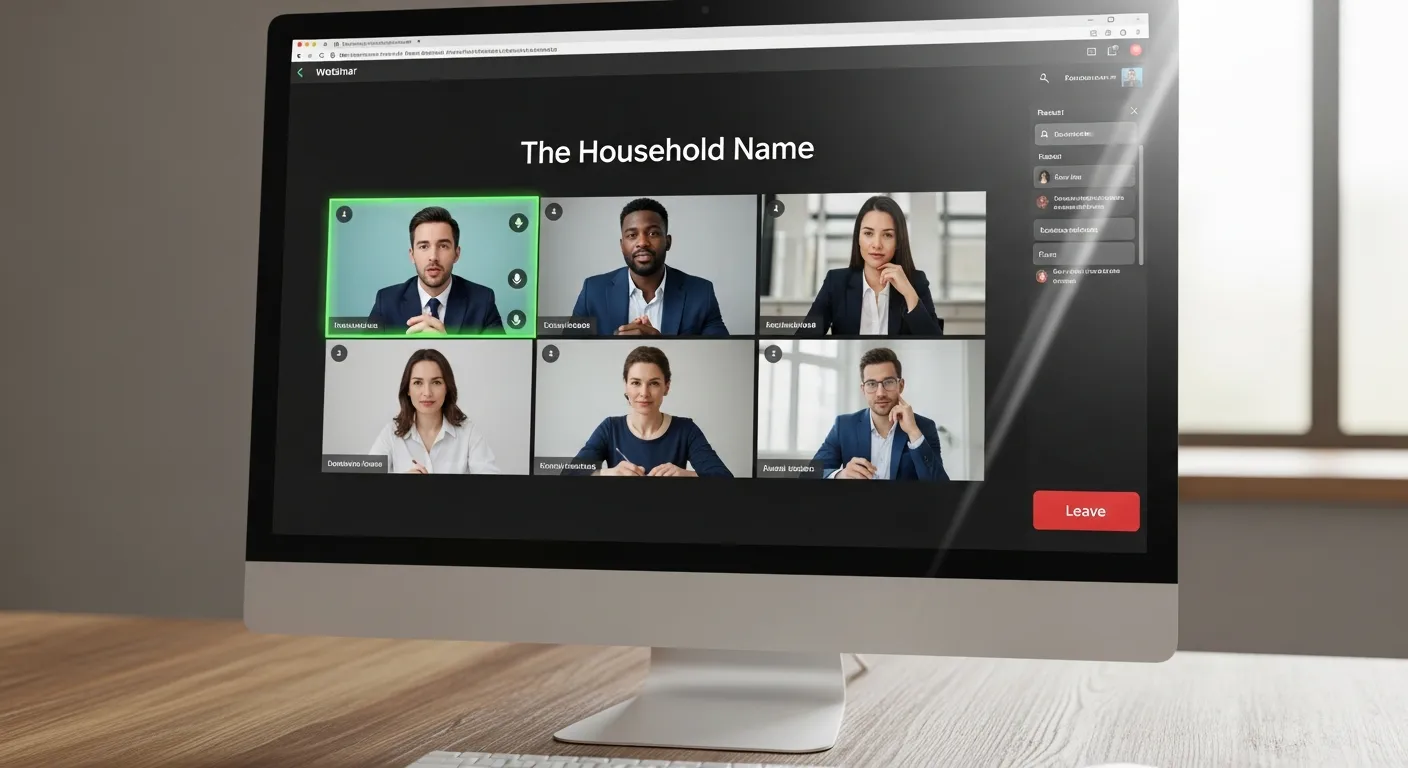
Zoom has become synonymous with video conferencing during the pandemic. Almost everyone knows how to use it, which removes a significant barrier to entry for attendees. Their webinar offering extends from this familiarity but adds more powerful features designed for bigger audiences and broadcast-style events.
Key Features in Our Webinar Platforms Comparison
Capacity and Scalability
Zoom is a beast when it comes to scale. With their biggest plan, Zoom Webinar can handle as many as 50,000 attendees. This scalability makes it applicable for everything from small team meetings to massive corporate town halls or global summits. If your brand strategy roadmap includes large-scale events, Zoom is a strong contender.
Broadcasting Quality
Video and sound quality are both very good regardless of what device you are using or what kind of connection you have. With Zoom’s advanced compression technology, practically any broadband connection can be a good broadcast connection. This reliability is why it remains a top choice for enterprise clients.
Integration Capabilities
Zoom works great with the tools you likely already use. Seamless integrations with Salesforce, HubSpot, Marketo, and Mailchimp simplify your marketing and sales processes. You can push attendee data directly into your CRM, making post-webinar follow-up a breeze.
Security Features
Following early security fears, Zoom doubled down on protection. It now offers advanced security features such as waiting rooms, password protection, host controls, and end-to-end encryption. For industries like finance or healthcare, these features are often non-negotiable compliance requirements.
Pricing Structure
Zoom Webinar pricing starts at roughly $79 per month per license for webinars with up to 500 participants. Plans expand significantly based on capacity, reaching up to $6,490 a month for 50,000 attendees.
The core plan includes basic items such as registration pages, polling, and Q&A. However, features like cloud recording storage, social media streaming, and even more advanced analytics are often tied to higher-tier plans or add-ons.
Pros and Cons
Advantages:
- Familiar Interface: Almost zero learning curve for attendees.
- Excellent Reliability: High uptime and stability even with large crowds.
- Strong Mobile App: Attendees can join easily from phones or tablets.
- Comprehensive Security: Industry-leading protection for sensitive content.
Disadvantages:
- Higher Pricing: Can be expensive for smaller businesses or solopreneurs.
- Limited Marketing Automation: Lacks built-in email sequences compared to marketing-first platforms.
- Basic Registration Pages: Customization options for landing pages are functional but design-limited.
WebinarJam: The Marketing-Focused Solution
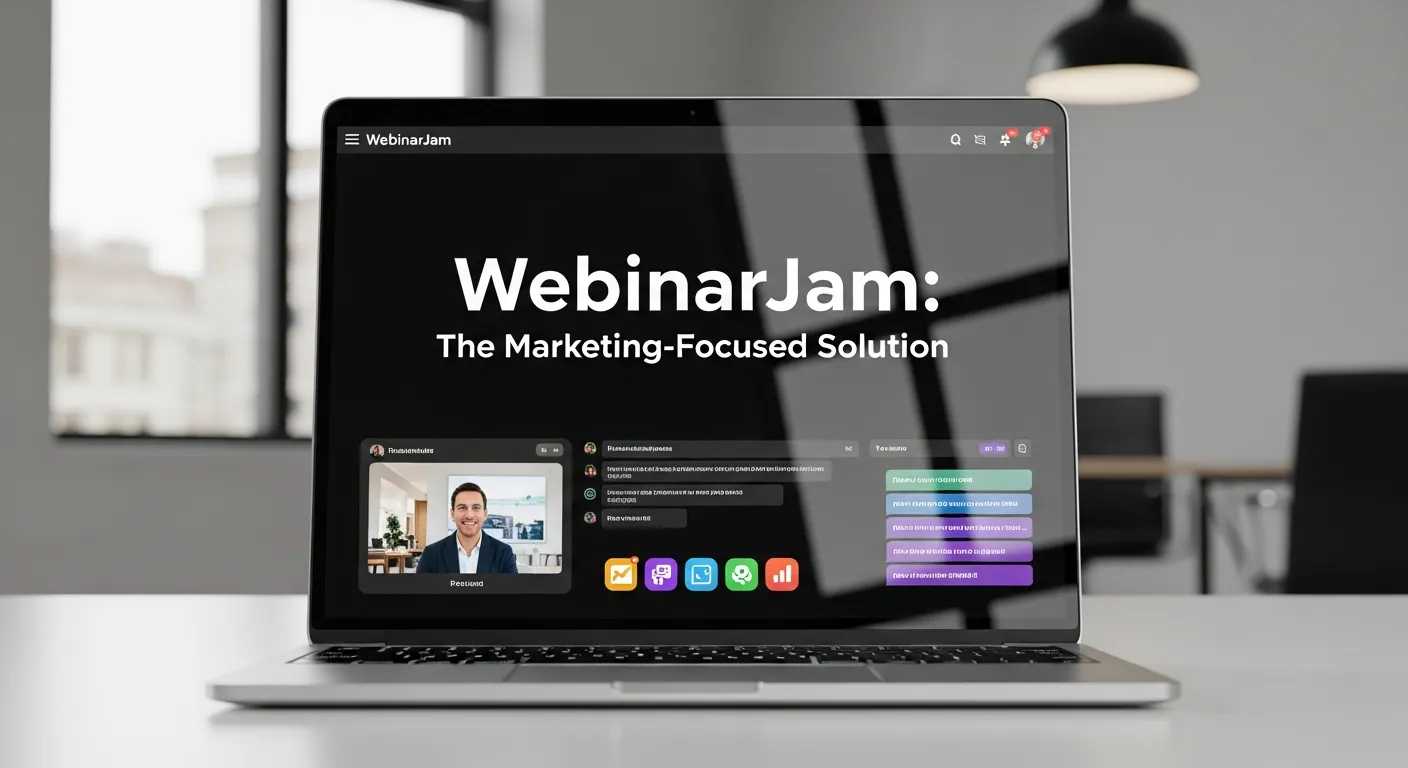
In this webinar platforms comparison, WebinarJam stands out as the marketer’s best friend. It is pitched as an all-in-one webinar marketing solution. Unlike Zoom, which started as a meeting tool, WebinarJam was built from the ground up to sell products and generate leads. It includes high-converting webinar hosting and marketing features in a single system.
Key Features in Our Webinar Platforms Comparison
Marketing Automation
WebinarJam excels at marketing automation. It comes with built-in email sequences, reminders, and follow-up campaigns. This means you get to nurture your leads on autopilot before and after the event. You can segment your audience based on whether they attended, missed the webinar, or left early, allowing for highly targeted outbound email marketing.
Customization Options
The system allows for registration pages, thank you pages, and webinar rooms to be highly customizable. You can choose from a library of professionally designed templates and tweak them to match your branding. This flexibility is a key means to keep a brand consistent across all touchpoints.
Interactive Elements and Sales Tools
There are polls, surveys, and sticky announcements deeply baked into the webinar experience. But the real game-changer is the “Active Offers” feature. You can pop up a clickable “Buy Now” button with a countdown timer right on the attendee’s screen at the perfect moment in your presentation. These instruments help foster engagement and drive immediate conversions.
Recording and Replay
WebinarJam archives all webinars and offers an innovative “Replica Replay” feature. This mimics the live environment during the replay, showing chat messages and offers at the exact moment they appeared during the live session. Recordings are available for all attendees as soon as the event ends.
Pricing Structure
WebinarJam is known for its value. It offers three pricing plans that begin at $499 per year (Basic). The lowest plan can handle up to 500 participants, while the Enterprise plan can handle 5,000 participants for $999/year.
They all include unlimited webinars, so if you’re someone who hosts webinars frequently, WebinarJam provides incredible value for money. However, some users who seek monthly payment flexibility may be deterred by the annual payment obligation.
Pros and Cons
Advantages:
- Strong Marketing Automation: Built-in email and SMS reminders save time.
- Unlimited Webinars: No caps on how many sessions you run.
- Excellent Customization: Beautiful templates for high-converting pages.
- Built-in Conversion Tools: Features like pop-up offers drive sales directly.
Disadvantages:
- Annual Payment Only: No month-to-month option requires upfront investment.
- Steeper Learning Curve: The backend has many features, which can take time to master.
- Limited Integrations: While it connects with major email tools, it has fewer native integrations than Zoom.
- Video Delay: Being browser-based, there can sometimes be a slight delay (latency) in the broadcast.
Demio: The User Experience Champion

Demio enters this webinar platforms comparison as the modern, sleek alternative. It is all about giving a phenomenal experience for both host and attendees. They placed an array on capability without overwhelming the ease of use. If you want a platform that “just works” and looks beautiful doing it, Demio is a strong contender.
Key Features in Our Webinar Platforms Comparison
Browser-Based Experience
Demio is 100% browser-based, meaning no downloads are needed for you or your attendees. This practice overcomes technical barriers—firewalls that block Zoom downloads or users on restricted work computers can still join easily. This friction-less entry significantly increases attendance rates.
Intuitive Interface
It has clean, modern interfaces that feel natural to use. The dashboard is uncluttered, allowing hosts to concentrate on content, not caretaking. Setting up a webinar takes minutes, not hours, making it ideal for teams with limited technical resources.
Automated Webinars
Demio has some of the best in-built automated webinar functionality on the market. You can schedule pre-recorded sessions to run at specific times, or offer “on-demand” access. The key is that it feels live to the viewer. Pre-recordings can also contain interactive components and live chat simulations, making it a powerful tool for evergreen webinar sales funnels.
Advanced Analytics
Comprehensive analytics monitor attendee behavior on the platform, as well as engagement and conversion metrics. You can see exactly when people dropped off, who clicked your offer, and who asked questions. These findings are used to optimize forthcoming webinars and improve your brand storytelling.
Pricing Structure
Demio offers a monthly payment model, starting from $34 per month (Starter) for a 50-participant room. The Growth plan jumps to $69/month for 150 attendees, and the Premium plan is significantly higher for larger audiences.
It’s clear as to what you get at each tier; all base features are generally offered, with higher levels primarily adding capacity, automated webinar features, and priority support.
Pros and Cons
Advantages:
- No Downloads Required: Increases attendance by removing barriers.
- Excellent User Experience: Beautiful, modern design that makes your brand look good.
- Transparent Pricing: Clear monthly options with no hidden fees.
- Strong Automated Features: Great for running evergreen campaigns.
Disadvantages:
- Lower Maximum Capacity: Generally caps out at 1,000 attendees, making it less suitable for massive events.
- Fewer Third-Party Integrations: While Zapier helps, native integrations are fewer than Zoom.
- Limited Advanced Features: Lacks features like breakout rooms that Zoom offers.
- Cost Per Attendee: Can become expensive if you have large audiences but infrequent events.
Feature-by-Feature Webinar Platforms Comparison
To help you make the granular decision, let’s compare these three giants head-to-head on the specific attributes that matter most.
Video and Audio Quality
All three services offer great video and audio quality, but the underlying technology differs. Zoom is the most reliable platform for big groups and low-bandwidth situations due to its app-based compression. As far as smaller to mid-size events go, WebinarJam and Demio are killing it with high-definition streaming, though their browser-based nature means they are slightly more dependent on the attendee’s internet speed.
Ease of Use
Demio takes the cake in terms of ease of use and user-friendliness. Its interface is minimalist and logical. Zoom is a familiar experience for most people, so the “usage” barrier is low, but the backend settings can be complex. WebinarJam has a little more of a learning curve due to the sheer number of marketing configurations available, but it offers a lot more flexibility once mastered.
Marketing Tools
In this specific webinar platforms comparison category, WebinarJam is the clear winner. It is the best in marketing automation, as it is bundled with email sequences, SMS reminders, and conversion tools like scarcity timers. Demio comes in second with great email automation for reminders and replays. Zoom relies heavily on third-party integrations for this; natively, it has basic marketing features but does a decent job of execution if you connect it to a tool like HubSpot.
Pricing Value
For small or intimate groups, it’s Demio that gives the most bang for the buck with its low monthly entry point. Unlimited webinars make WebinarJam a great value for regular hosts who run weekly or daily sessions—the annual fee pays for itself quickly. Zoom is a top-priced service that’s best suited for business use where budget is less of a concern than stability and scale.
Customer Support
Zoom provides full support including a wide array of documentation, trainings, and help articles. However, due to its size, support response times can be slightly delayed. Demio provides a responsive support service oriented around user success, often boasting fast chat support. WebinarJam offers robust support but also relies heavily on a comprehensive knowledge base and training videos (the “Jam Academy”).
Which Platform Should You Choose?
The “best” platform depends entirely on your business model and goals. Here is a summary of who should use what in this webinar platforms comparison.
Choose Zoom If:
- You have to entertain a big crowd (1,000+ to 50,000 people).
- Your company already uses Zoom for meetings and wants to consolidate billing.
- Security and compliance are your top priorities (e.g., government, banking, healthcare).
- You require extensive third-party integrations with enterprise CRM systems.
- You need features like breakout rooms for workshops.
Choose WebinarJam If:
- Marketing automation and sales are key to your strategy.
- You do webinars pretty regularly throughout the year (volume makes the annual fee worth it).
- Brand customization and control over the landing page design are important.
- You want built-in conversion tools like pop-up offers and countdown timers.
- You are selling a product directly on the webinar (e.g., coaching, courses, software).
Choose Demio If:
- You value user experience and aesthetics more than anything.
- You’re new to webinar hosting and want a tool that is easy to learn.
- You prefer transparent, simple monthly pricing without long-term commitments.
- You are not speaking in front of thousands of people (audiences under 500).
- You want to run automated, evergreen webinars that generate leads while you sleep.
Making Your Decision: Key Considerations

As you navigate this webinar platforms comparison, keep these five strategic factors in mind to ensure you make a future-proof choice.
1. Audience Size Requirements
Begin by figuring out your average and maximum audiences. Do you typically have 50 people or 5,000? This factor alone could rule out some options or make it acceptable to spend more. Don’t pay for 5,000 seats if you only ever fill 100, but ensuring you have room to grow is smart.
2. Budget Constraints
Take into account not just the monthly fees, but the annual membership commitments and add-ons. And then there is the compound effect for growth and additional usage over time. Zoom becomes significantly more expensive as you add hosts and capacity. Demio’s costs rise with room size. WebinarJam has a flat annual fee which is great for budgeting but requires upfront cash.
3. Technical Expertise
Assess your team’s technical capabilities. The amount of configuration and upkeep can vary widely from one platform to another. If you have a dedicated tech team, Zoom or WebinarJam is fine. If you are a solopreneur doing it all yourself, the simplicity of Demio might save you hours of frustration.
4. Integration Needs
Assess the means in which the webinar platforms will tie into your current marketing stack. Does it talk to your email provider? Your payment gateway? Your CRM? Seamless data flow is critical for integrated marketing campaigns. Check the integration lists for each platform before buying.
5. Growth Plans
Opt for a platform that will grow with your business. Moving from one platform to another later is just too complex—you lose your registration history, replay links, and analytics data. Choose a platform that has a higher tier you can grow into over the next 12-24 months.
Getting Started On Your Preferred Platform

Once you’ve landed on a webinar platform from this comparison, follow these steps to ensure your first event is a success:
Test Before You Launch
Never let your first interaction with the software be the live event. Conduct a few “practice webinars” with your team. Practice using all of the functions that you plan to use in your actual events—muting guests, sharing screens, launching polls, and playing videos. Familiarity breeds confidence.
Prepare Registration Pages
Design the best registration pages that express the value of your webinar. Focus on the benefits: What will the attendee learn? Why should they care? Use the customization tools in WebinarJam or Demio to make people want to register.
Plan Your Content
Build compelling content that capitalizes on the interactivity of your platform. Don’t just lecture for 60 minutes. Prepare for polls every 15 minutes, dedicated Q&A segments, and specific calls-to-action. Visuals matter, so ensure your slide deck is high-quality.
Promote Effectively
Leverage your platform’s marketing integrations or marketing capabilities to market webinars across various channels. Use social media management tools to schedule posts, send email blasts to your list, and consider paid ads if the budget allows.
Grow Your Business with the Right Webinar Platform
Your ideal webinar platform is the one that meets your specific requirements, fits your budget, and supports your scalability goals. In this webinar platforms comparison, we’ve seen three distinct leaders. For enterprise needs, large-scale events, and absolute reliability, Zoom is our best recommendation. WebinarJam is excellent for the marketing-oriented business looking for automation, sales tools, and value. Demio offers great user experiences, modern design, and simplicity for small to medium-sized webinars.
We recommend you begin with a free trial or demo of your chosen platform. Exercise the features that are most important to meeting your business objectives. Keep in mind that the best webinar tool is the one your team will actually use reliably and that your audience enjoys accessing.
The perfect webinar platforms can change the way you engage with your customers, prospect leads, and grow your business. Spend time and research what you really need to do (or not do) carefully — the future success of your webinar strategy depends on the choice you make today.
Frequently Asked Questions (FAQs)
1. Which webinar platform is best for small businesses?
For small businesses, Demio is often the best choice due to its ease of use, modern interface, and flexible monthly pricing. It allows small teams to set up professional-looking webinars without needing technical expertise or a large budget.
2. Can I use Zoom Meetings for webinars?
Technically, yes, but it is not recommended for professional marketing events. Zoom Meetings allows everyone to share their camera and mic, which can be chaotic. Zoom Webinar provides the host with control, allowing only panelists to speak while attendees remain in “listen-only” mode, which is crucial for a polished presentation.
3. Does WebinarJam offer a monthly plan?
No, WebinarJam generally operates on an annual billing cycle. This allows them to offer a lower effective monthly rate but requires a higher upfront payment. This model is ideal for businesses committed to using webinars as a long-term strategy.
4. Are automated webinars effective?
Yes, automated webinars can be highly effective for webinar sales funnels. Platforms like Demio and WebinarJam allow you to simulate a live environment with pre-recorded content. This lets you generate leads and sales 24/7 without having to be present to host every single session live.
5. Do I need to download software to attend a webinar?
It depends on the platform. Zoom typically requires attendees to download the Zoom app for the best experience. Demio and WebinarJam are browser-based, meaning attendees can join directly from Chrome, Firefox, or Safari without downloading anything, which often leads to higher attendance rates.
6. Which platform has the best analytics?
All three offer analytics, but Demio and WebinarJam tend to offer more marketing-focused data. They track things like at what minute attendees dropped off, who clicked on your sales offer, and conversion rates. Zoom’s analytics are robust but often focus more on technical performance and attendance lists.
7. Can I charge people to attend my webinar?
Yes, all three platforms in this webinar platforms comparison allow you to set up paid webinars. You can usually integrate with payment processors like PayPal or Stripe directly within the registration setup to collect fees before sending the join link.
8. What internet speed do I need to host a webinar?
To host a high-quality webinar, you should have a stable internet connection with an upload speed of at least 5-10 Mbps. A hardwired Ethernet connection is always superior to Wi-Fi to prevent dropouts during your presentation.
9. Can I stream my webinar to social media?
Yes, Zoom and WebinarJam allow you to stream your webinar live to platforms like Facebook Live and YouTube Live simultaneously. This is a great way to expand your reach beyond just the people who registered for the event.
10. How do I handle Q&A effectively on these platforms?
Use the dedicated Q&A features rather than the general chat. Zoom, WebinarJam, and Demio all have specific Q&A tools that allow you to mark questions as “answered” or dismiss them. This keeps the questions organized so you don’t miss important inquiries from your audience.


Josh Lemon, Content Strategy Consultant, has extensive experience in creating compelling webinar content that resonates with audiences. Skilled in storytelling, SEO, and audience insights, Riley helps brands deliver webinars that educate, engage, and convert effectively.














No Comments