


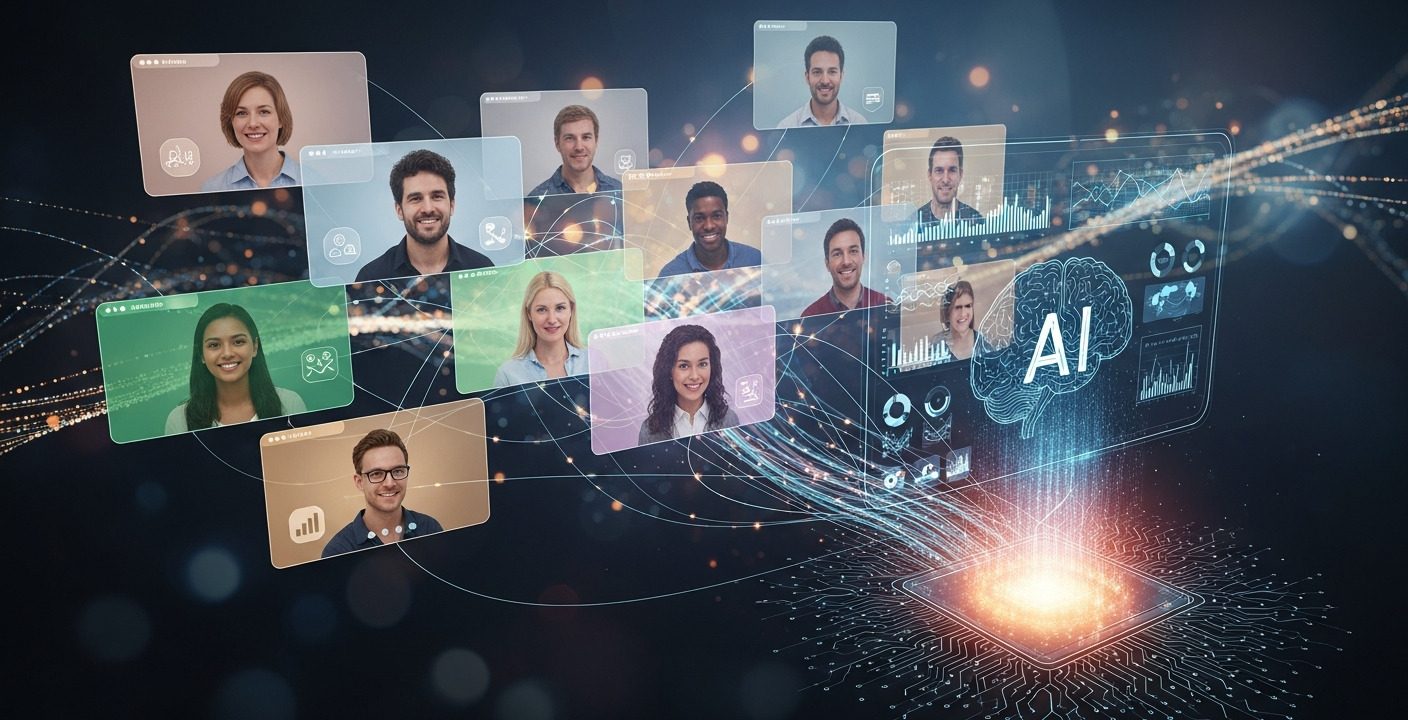
AI-powered webinar personalization transforms virtual events into engaging, data-driven experiences. By using attendee insights, real-time interaction, and intelligent automation, businesses can deliver relevant content, improve engagement, qualify leads, and increase conversions. Personalized webinars create stronger relationships and higher-performing virtual events.
AI webinar personalization is reshaping how businesses run virtual events. Webinars are still one of the strongest ways to educate audiences, generate qualified leads, and build brand authority—but audience expectations have changed. Engagement is harder to maintain, and standard webinar formats no longer deliver the impact they once did.
Today’s attendees expect personalized webinar experiences, interactive sessions, and relevant content tailored specifically to their needs. With the rise of Generative AI, real-time data, and intelligent webinar automation, you can create webinars that dynamically adjust to each participant—making the experience more valuable, engaging, and memorable.
Why Traditional Webinars No Longer Perform
Generic, one-size-fits-all webinars struggle to maintain engagement. Diverse audiences with different goals, roles, and challenges often disengage when content feels irrelevant. This results in higher drop-off rates, lower participation, and missed conversion opportunities. Learn more about The Evolution of Webinars.
Why Webinar Personalization Matters?
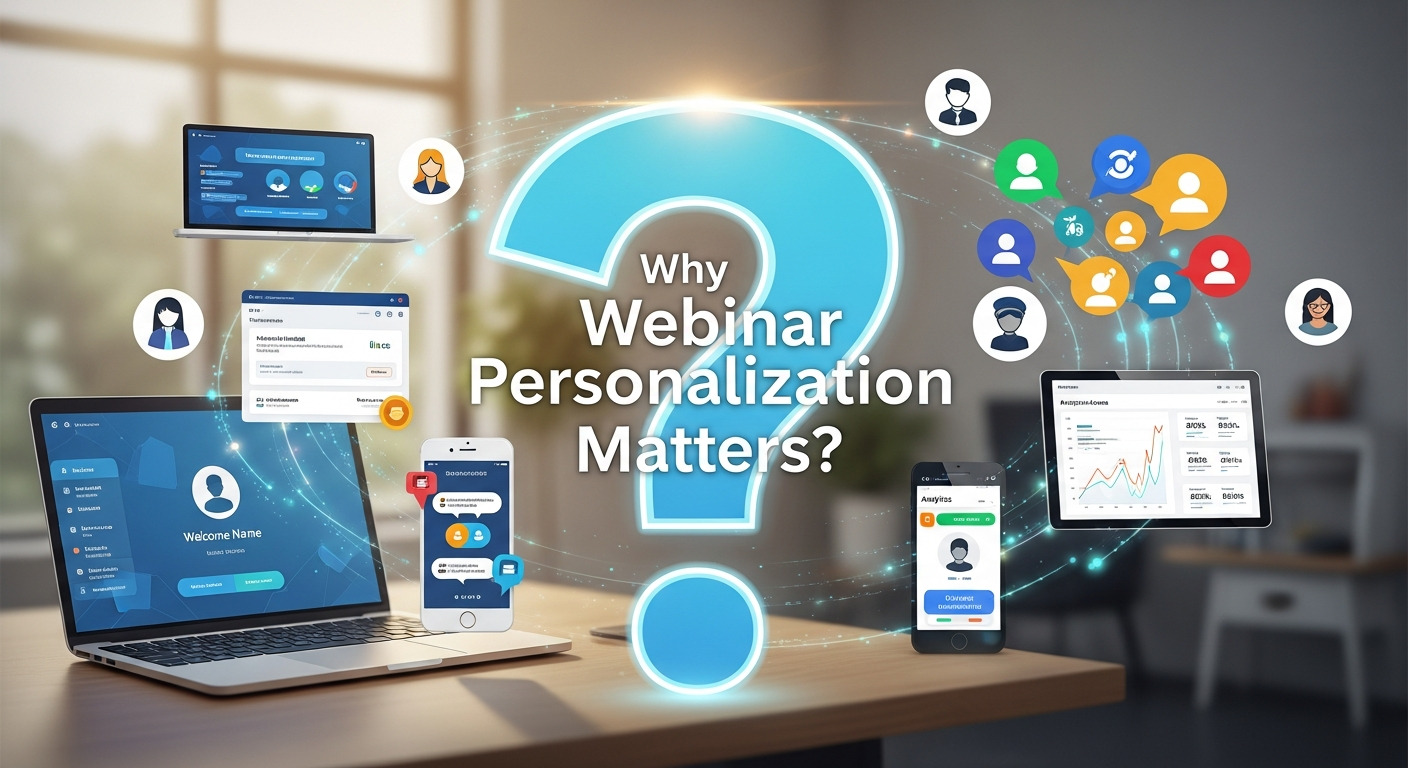
Webinars are most effective when they connect directly with each attendee’s needs, goals, and interests. Generic, one-size-fits-all presentations often fail to engage a diverse audience, leading to high drop-off rates, low participation, and missed opportunities or lead generation or conversion.
Webinar personalization ensures that each participant receives content that resonates with them. By leveraging AI and generative technologies, hosts can tailor messaging, examples, and resources based on attendee profiles, engagement patterns, and preferences. Personalized webinars make participants feel understood and valued, which drives higher audience engagement, improves lead quality, and increases conversion rates.
Key outcomes of personalized webinars include:
- Relevant content delivery that addresses specific pain points and interests
- Higher engagement through interactive, adaptive experiences
- Improved attendee satisfaction and brand loyalty
- Better lead nurturing and more qualified prospects for follow-up
In short, personalization transforms webinars from passive presentations into interactive, meaningful experiences that strengthen relationships and drive measurable business results.
Core Benefits of AI-Powered Personalization
- Higher Engagement: Personalized content keeps viewers active and involved.
- Better Lead Quality: AI-driven segmentation helps qualify attendees based on intent.
- Stronger Conversions: Relevant experiences push attendees closer to purchase.
- Improved Brand Loyalty: Personalized events build trust and authority.
- Enhanced User Experience: Generative AI creates smoother interactions and real-time content suggestions.
The Role of AI in Webinar Personalization
Artificial intelligence is now the engine behind most modern webinar personalization strategies. By analyzing real-time engagement, behavioral data, and audience sentiment, AI enables dynamic and responsive webinars.
- Analyzes Attendee Data: AI evaluates registration details, behavior patterns, and engagement signals to understand each attendee’s needs.
- Creates Dynamic Personalization: Adjusts webinar content in real time based on polls, chat activity, and viewer interaction.
- Enhances Q&A Management: Automatically groups similar questions, prioritizes high-value queries, and suggests intelligent responses.
- Triggers Smart Engagement Tools: Launches polls, quizzes, and prompts at the right moment to boost participation.
- Recommends Personalized Resources: Suggests relevant guides, case studies, or demo links based on individual interests.
- Performs Sentiment Analysis: Detects confusion, excitement, or drop-off moments through chat tone and engagement metrics.
- Automates Follow-Up: Sends custom post-webinar emails with tailored insights, resources, and next steps for each attendee.
- Improves Lead Scoring: Identifies warm prospects using behavioral analytics and intent signals captured during the session.
- Reduces Manual Work: Automates repetitive tasks like Q&A sorting, engagement tracking, and content recommendations.
- Optimizes Conversion Paths: Helps presenters deliver targeted messages that align with attendee needs, boosting conversions.
How to Implement AI-Powered Webinar Personalization
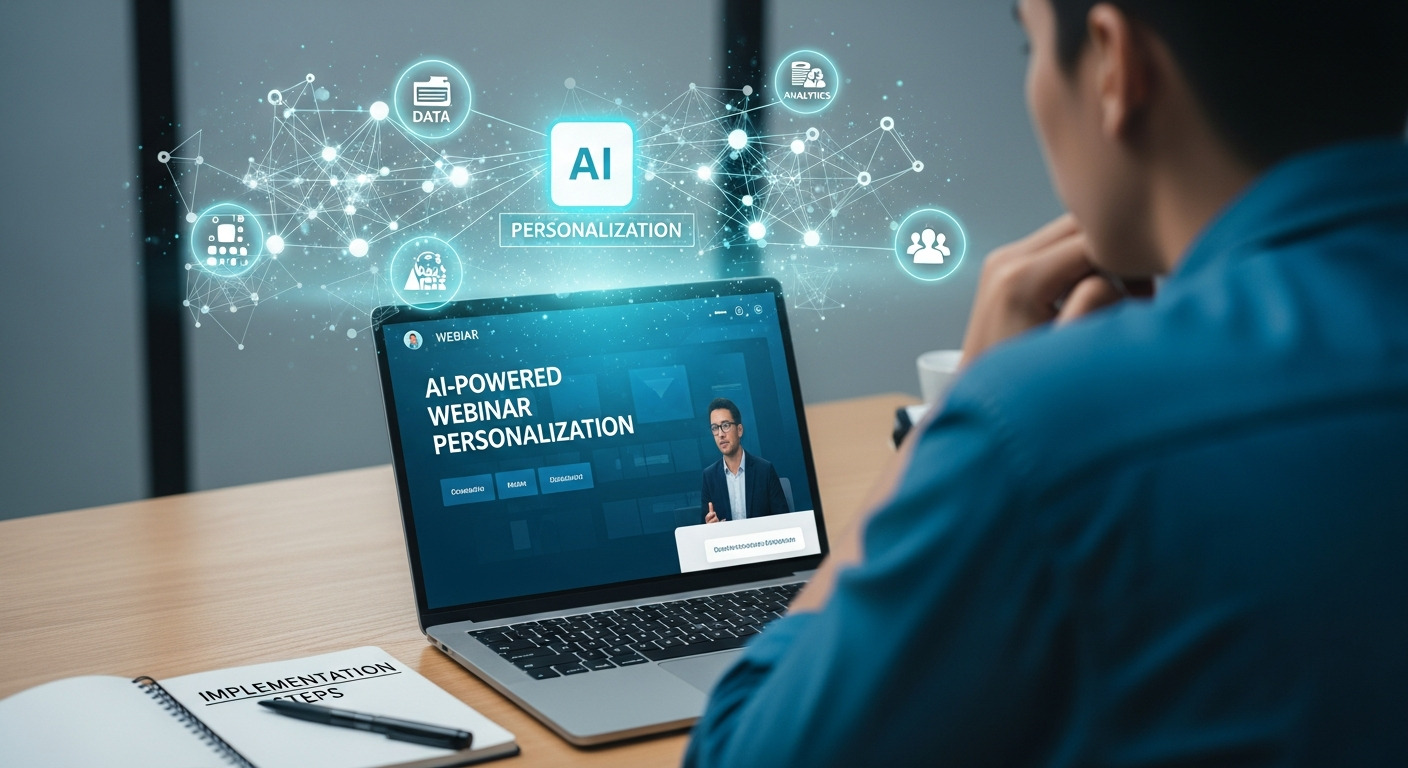
Implementing AI-driven webinar personalization ensures your sessions are engaging, relevant, and conversion-focused. By combining attendee data, real-time interaction, and intelligent automation, businesses can transform standard webinars into dynamic, personalized experiences. Below is a structured approach to successfully implement AI-powered webinar personalization.
1. Gather Pre-Webinar Data
Personalization starts long before the webinar begins. The information you collect during the registration process is invaluable for tailoring the experience. Go beyond basic contact details and ask questions that reveal your attendees’ interests and goals.
Consider including fields such as:
- Job title and industry
- Company size
- Primary challenges or pain points
- Specific topics they’re interested in
- Their level of expertise on the subject
AI tools can analyze this registration data to segment your audience and create personalized content paths. For example, you can prepare different case studies or examples that are most relevant to specific industries represented in your audience.
2. Leverage AI Webinar Tools for Real-Time Engagement
During the webinar, AI can be used to create a truly interactive and responsive environment. Many modern webinar platforms now incorporate AI features designed to boost real-time engagement.
Key AI webinar tools and features include:
- AI-Powered Q&A: Instead of a chaotic, free-for-all Q&A session, AI can organize and prioritize questions. NLP algorithms can group similar questions, identify the most common themes, and even suggest pre-written answers for frequently asked questions. This ensures that the most relevant topics are addressed efficiently.
- Dynamic Polls and Surveys: Use AI to trigger polls based on the content being presented or the audience’s real-time reactions. For instance, if the discussion turns to a specific challenge, an AI tool can launch a poll asking attendees how that challenge affects them. This provides immediate feedback and keeps the audience involved.
- Personalized Content Recommendations: AI can monitor an attendee’s engagement—such as which slides they spend the most time on or which links they click—and recommend relevant resources. This could include blog posts, whitepapers, or product demos, delivered directly to the attendee through a private chat or a personalized follow-up email.
- Sentiment Analysis: Some advanced platforms use AI to analyze chat messages and facial expressions (with consent) to gauge audience sentiment. If the AI detects confusion or boredom, it can alert the presenter, who can then adjust their delivery or content to re-engage the audience.
3. Tailor the Presentation in Real Time
One of the most powerful applications of AI webinar personalization is the ability to adapt the content on the fly. Based on the data collected before and during the event, AI can help you deliver a presentation that feels custom-made for your audience.
Imagine you are presenting to a mixed audience of marketing managers and sales representatives. An AI tool can analyze poll responses or Q&A themes to determine which group is more engaged. You can then pivot your presentation to focus more on marketing-specific case studies or sales-oriented strategies, ensuring the content is as relevant as possible for the majority of your audience.
This dynamic approach transforms a static presentation into a responsive conversation, making attendees feel like active participants rather than passive observers.
4. Personalize Post-Webinar Follow-Up
The personalization journey doesn’t end when the webinar does. Your follow-up communication is a critical opportunity to continue the conversation and nurture leads. AI can help you create highly personalized follow-up emails based on each attendee’s individual experience.
Instead of sending a generic “thank you” email to everyone, use AI to segment your audience based on their engagement level, the questions they asked, or the polls they answered.
Your follow-up emails could include:
- A recording of the webinar.
- A summary of the key topics that the specific attendee showed interest in.
- Links to the personalized resources recommended during the session.
- An invitation to a one-on-one demo tailored to their specific needs.
- A special offer or discount related to the topics they engaged with most.
This targeted follow-up shows that you were paying attention to their needs and reinforces the value you provide, increasing the likelihood of conversion.
Pave the Way for Better Webinars
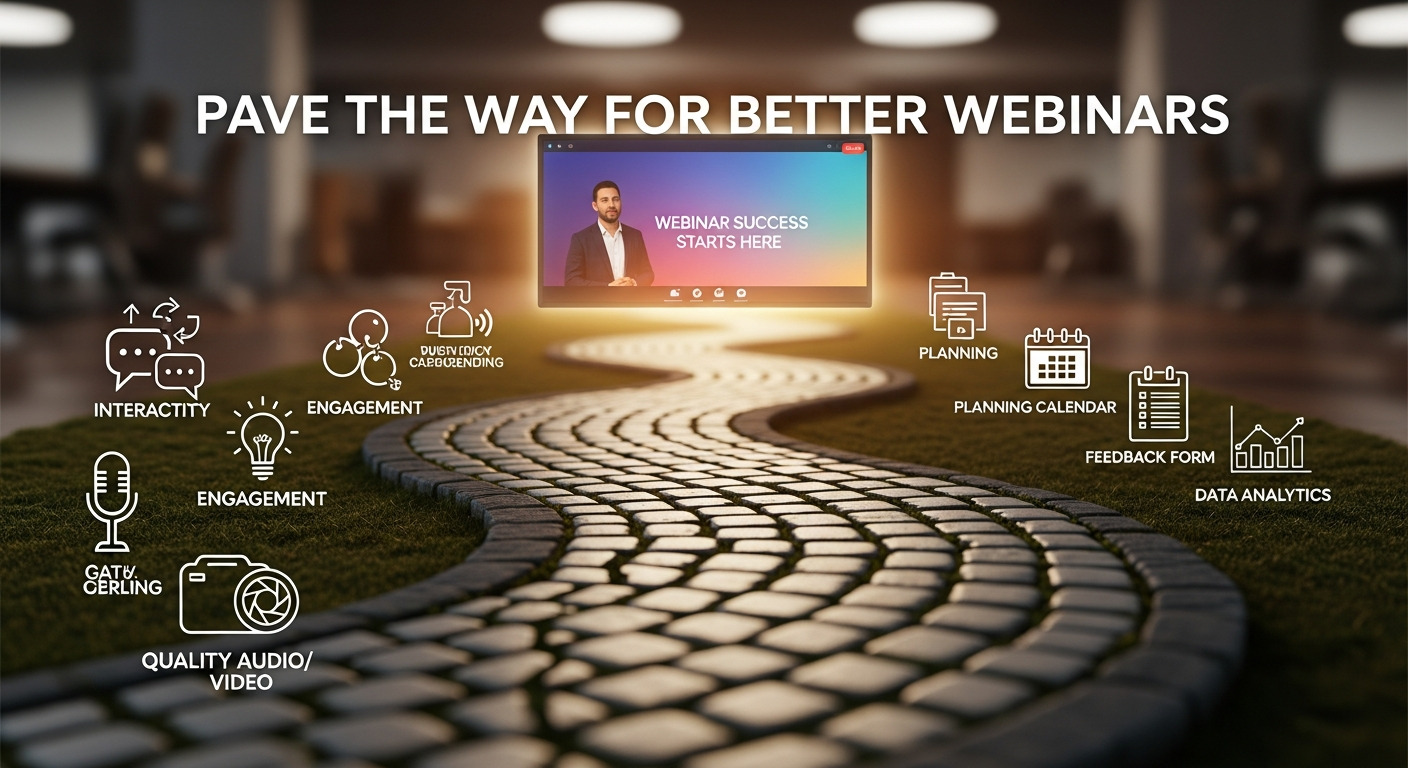
Adopting AI webinar personalization is no longer just a futuristic idea—it’s a practical strategy for businesses that want to stand out in the world of virtual events. By using real-time webinar data and the right AI webinar tools, you can create interactive webinars that are more engaging, relevant, and valuable for your audience.
Begin by understanding your attendees through pre-webinar data collection, use AI to enhance attendee engagement during the session, and continue the personalized webinar experience with targeted follow-up. By focusing on each participant and delivering personalized content, you not only increase engagement but also build stronger, lasting relationships. The era of AI-driven webinars is here, and now is the time to embrace it.
Conclusion
AI webinar personalization is no longer optional—it is essential for delivering impactful virtual events. By combining attendee data, real-time AI engagement tools, and personalized follow-up strategies, businesses can transform webinars into powerful conversion engines. Organizations that adopt AI-driven personalization will see higher engagement, better leads, and stronger long-term relationships.
FAQs
1. What is AI webinar personalization?
AI webinar personalization is the use of artificial intelligence to tailor webinar content, engagement elements, and follow-up communication based on attendee data and behavior. It allows webinars to adapt to individual interests, roles, and intent, creating a more relevant and customized experience for each participant rather than delivering the same message to everyone.
2. How does AI increase webinar engagement?
AI increases webinar engagement by continuously tracking real-time interactions such as poll responses, chat activity, questions, and attention levels. Based on this data, AI can trigger relevant polls, recommend content, prioritize questions, and guide presenters on what topics resonate most, keeping attendees actively involved throughout the session.
3. Why is webinar personalization important?
Webinar personalization is important because audiences expect content that directly addresses their needs and challenges. Personalized experiences improve relevance, reduce attendee drop-offs, and increase trust. When attendees feel the webinar is designed for them, they stay longer, engage more, and are more likely to convert.
4. Can AI adjust webinar content during live sessions?
Yes, AI can analyze real-time engagement signals and suggest adjustments during live sessions. This includes recommending topic shifts, launching polls, emphasizing certain points, or changing pacing. These insights help presenters respond instantly to audience behavior, ensuring the content remains aligned with attendee interest.
5. What data is required for AI personalization?
AI personalization relies on both pre-webinar and live data. This includes registration details such as job title and industry, poll responses, chat messages, questions asked, slide interaction, and viewing behavior. Together, this data helps AI understand attendee intent, preferences, and engagement level.
6. Can AI manage webinar Q&A sessions?
Yes, AI can efficiently manage webinar Q&A sessions by grouping similar questions, identifying recurring themes, and prioritizing the most relevant or high-impact questions. This reduces chaos during live sessions, ensures important topics are addressed, and helps presenters respond more clearly and effectively.
7. Is AI personalization useful for small webinars?
Absolutely. AI personalization is highly effective for small webinars because it provides deep insights into individual attendee behavior. Even with fewer participants, AI helps presenters understand interests, personalize interactions, and deliver a high-quality experience without adding manual workload.
8. Can AI detect attendee sentiment?
Yes, AI can detect attendee sentiment by analyzing chat language, engagement patterns, response timing, and interaction levels. Some advanced tools also use visual cues with consent. This allows presenters to identify confusion, boredom, or excitement and adjust content in real time to maintain engagement.
9. Does AI automate post-webinar follow-up?
Yes, AI automates post-webinar follow-up by segmenting attendees based on their actions during the session. It sends personalized emails containing relevant recordings, resources, product recommendations, or next steps, ensuring each attendee receives information aligned with their interests and engagement level.
10. Does AI personalization increase conversions?
Yes, AI personalization significantly increases conversions by delivering relevant and timely experiences. When attendees receive content that matches their needs and intent, they are more likely to trust the brand, request demos, book meetings, or move forward in the buying journey.
11. Are AI webinar tools expensive?
Many AI webinar tools are affordable and often included within popular webinar platforms. Basic AI features such as engagement tracking, smart Q&A, and analytics are available at low or no additional cost, making AI personalization accessible for businesses of all sizes.
12. What is the best way to start using AI in webinars?
The best way to start using AI in webinars is by collecting detailed registration data, enabling live polls and smart Q&A features, monitoring real-time engagement insights, and sending personalized follow-up emails. These steps allow businesses to gradually implement AI without complexity while seeing immediate results.


Jordan Ellis, Webinar Marketing Specialist, has over 10 years of experience designing and executing high-performing webinar campaigns. With a background in digital marketing and audience engagement, Jordan focuses on strategies that increase registrations, boost participation, and drive conversions.


2 replies on “AI Webinar Personalization: Boost Engagement with Real-Time Data”
[…] to predicting which audience segments are most likely to both register and attend. Our guide on AI webinar personalization explores how these same predictive capabilities extend beyond advertising into the registration and […]
[…] to predicting which audience segments are most likely to both register and attend. Our guide on AI webinar personalization explores how these same predictive capabilities extend beyond advertising into the registration and […]