


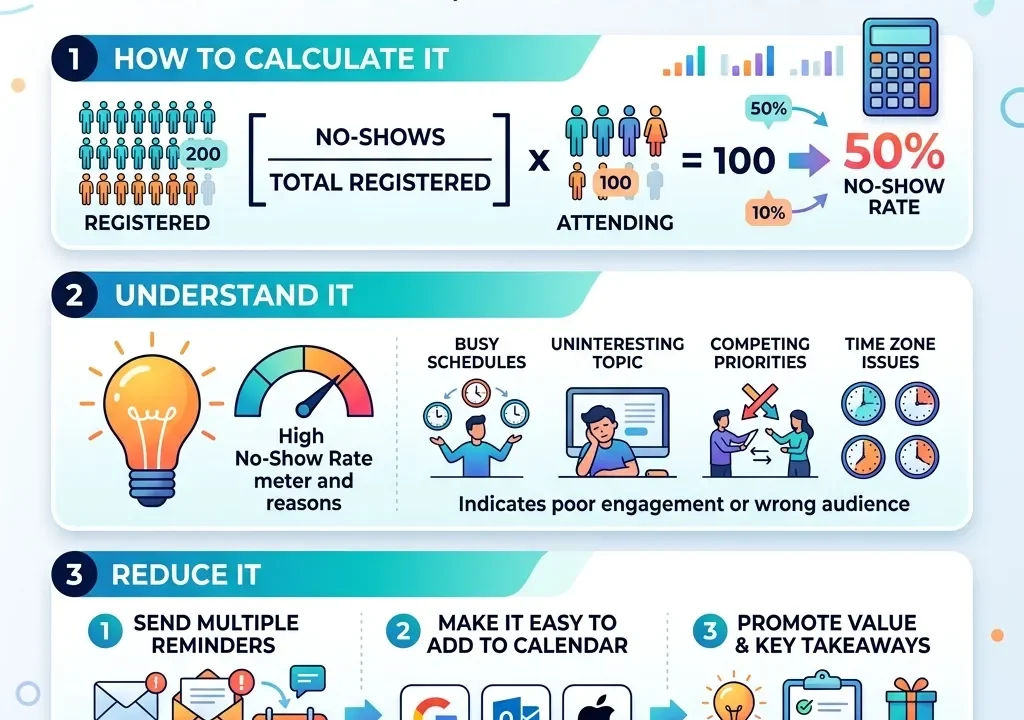
A webinar can attract hundreds of registrations and still have a disappointing live audience. The main reason is often a high webinar no-show rate. People may register with good intentions but fail to attend because they forget the event, lose interest, face scheduling conflicts, or do not see enough value in joining live.
Understanding and reducing your webinar no-show rate is essential for improving attendance, engagement, lead quality, and overall webinar performance. Instead of focusing only on registration numbers, marketers should examine what happens between registration and the actual event.
What Is Webinar No-Show Rate?
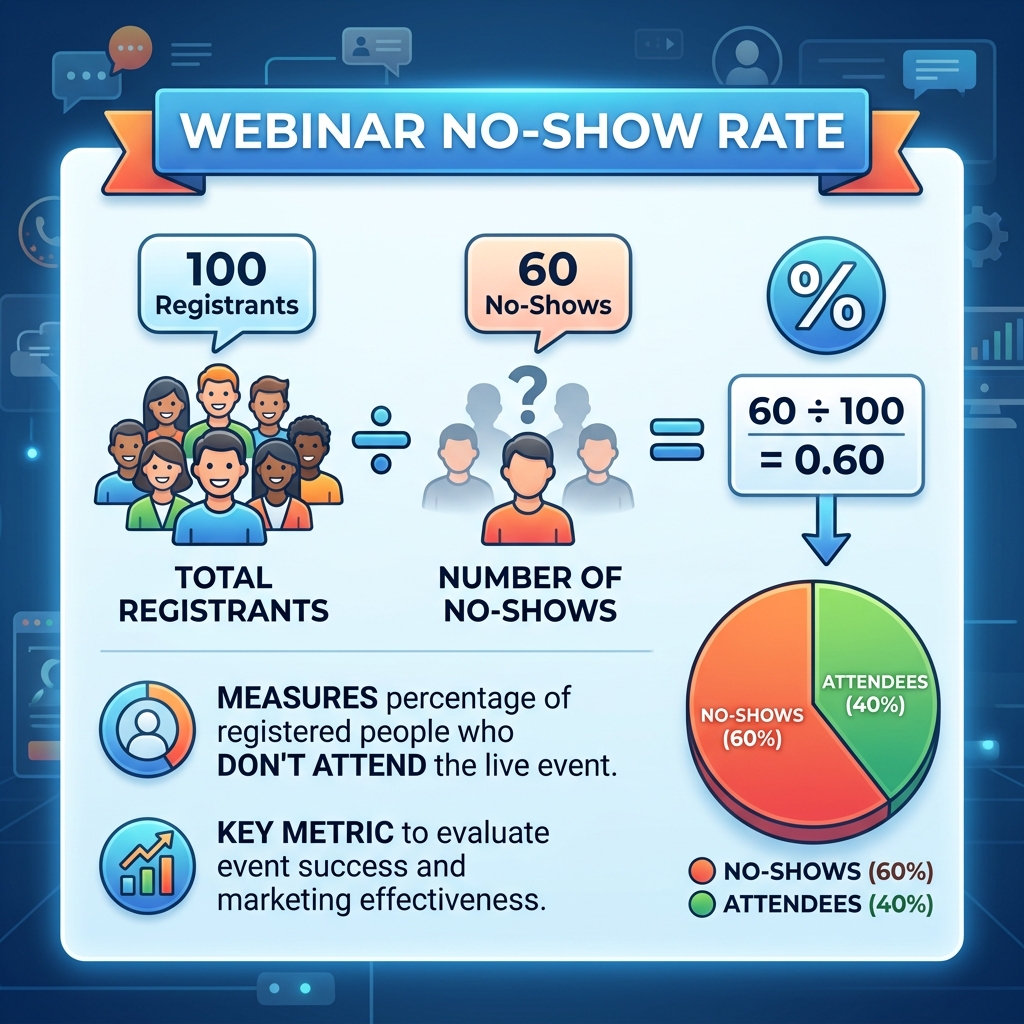
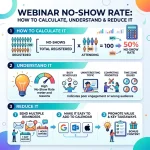
The webinar no-show rate is the percentage of registered attendees who do not attend the webinar.
The basic formula is:
Webinar No-Show Rate = (Registered Attendees − Actual Attendees) ÷ Registered Attendees × 100
For example, if 500 people register and 325 attend, 175 people do not show up.
The no-show rate would be:
(500 − 325) ÷ 500 × 100 = 35%
A high webinar no-show rate means there is a significant gap between registration and attendance. That gap can reduce engagement opportunities and make your promotional efforts less efficient.
Why Does Webinar No-Show Rate Matter?
Registration is only the beginning of the webinar journey. A person who registers but never attends does not receive the full live experience, including presentations, demonstrations, polls, Q&A sessions, and real-time interaction.
Tracking your attendance performance alongside broader webinar success metrics helps you understand whether your promotional and reminder strategies are actually working.
A lower webinar no-show rate can help you:
- Increase live attendance
- Improve audience engagement
- Generate more qualified leads
- Increase opportunities for real-time interaction
- Improve webinar conversion potential
- Get more value from promotional campaigns
- Make better decisions about future events
What Causes a High Webinar No-Show Rate?
There is rarely one reason behind missed webinar attendance. Several factors can influence whether someone actually joins.
1. People Forget the Webinar
Forgetfulness is one of the simplest reasons people fail to attend. Someone may register several days or weeks before the event and simply forget when the webinar starts.
A confirmation email alone may not be enough. Strategic reminders are usually more effective because they keep the event visible.
2. The Webinar Was Scheduled at an Inconvenient Time
Timing can have a major impact on attendance. A webinar scheduled during working hours, holidays, weekends, or across inconvenient time zones may create conflicts.
Before selecting a time, consider where your audience is located and when they are most likely to be available.
3. The Registration Promise Was Too Weak
Some people register because the topic sounds interesting but later decide that attending is not worth their time.
Your promotional message should clearly communicate what attendees will learn, what problems will be solved, and what practical value they will receive.
For additional promotional ideas, review these webinar promotion strategies to build stronger pre-event campaigns.
4. Too Much Time Passes Between Registration and the Event
When people register weeks before an event, their priorities can change. The longer the gap, the greater the opportunity for interest to decline.
A well-planned registration process should balance enough promotional time with a reasonable distance between registration and the event.
5. Poor Reminder Strategy
Sending one email immediately after registration is not a complete attendance strategy.
People may need multiple reminders before the event. Each message should provide useful information instead of simply repeating the same announcement.
6. Technical Concerns
Some potential attendees may hesitate to join because they are unsure how to access the webinar or whether their device and internet connection will work.
Providing clear instructions and a simple technical setup can remove unnecessary barriers. A useful resource is this webinar tech setup guide for beginners.
How to Calculate Webinar No-Show Rate
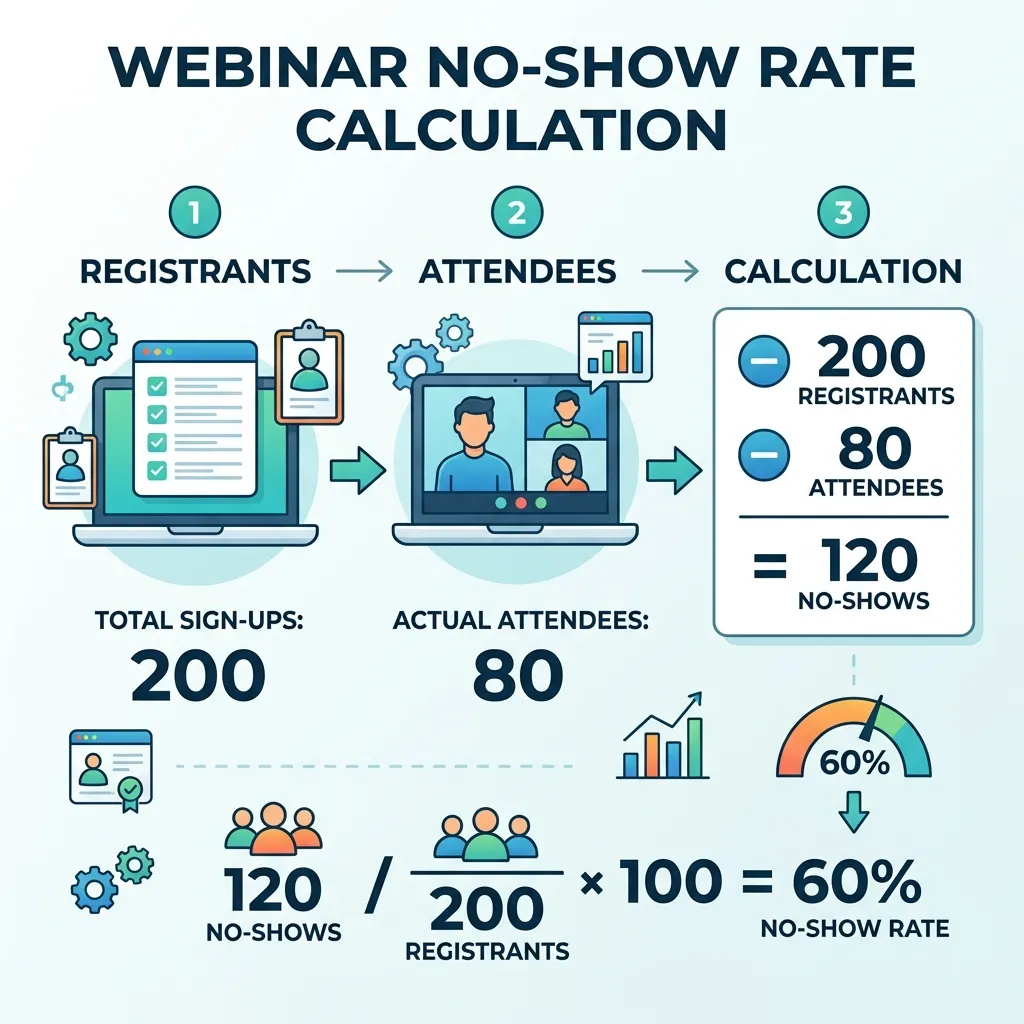
Calculating your webinar no-show rate is simple.
Suppose:
- Registrations = 800
- Live attendees = 520
- No-shows = 280
The calculation is:
(800 − 520) ÷ 800 × 100 = 35%
Your webinar no-show rate is therefore 35%.
You can also track the attendance rate:
Attendance Rate = Actual Attendees ÷ Registrations × 100
In this example:
520 ÷ 800 × 100 = 65%
Looking at both numbers gives you a clearer picture of event performance.
What Is a Good Webinar No-Show Rate?
There is no single no-show rate that works for every webinar.
Attendance can vary depending on:
- Audience type
- Industry
- Webinar topic
- Event timing
- Registration source
- Audience location
- Webinar format
- Promotion strategy
- Reminder frequency
- Perceived value
Instead of comparing your results blindly with another business, establish a baseline for your own webinars.
Track registrations, attendance, engagement, and conversions over multiple events. This allows you to identify whether your webinar no-show rate is improving.
10 Ways to Reduce Webinar No-Show Rate
1. Send a Strong Confirmation Email
Immediately after registration, send a confirmation message containing:
- Webinar date
- Start time
- Time zone
- Access link
- Main topic
- Key benefits
- Speaker information
- Calendar option
Make the next step obvious so the attendee knows exactly what to do.
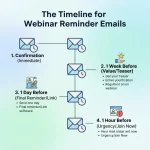
2. Use Multiple Reminder Emails
A reminder sequence can significantly improve event awareness.
You can send reminders:
- Immediately after registration
- Several days before the webinar
- One day before
- A few hours before
- Shortly before the event
However, avoid sending repetitive messages. Each reminder should reinforce the value of attending.
3. Use Calendar Invitations
Calendar reminders help transform a registration into an actual scheduled commitment.
Encourage attendees to add the webinar to Google Calendar, Outlook, Apple Calendar, or another calendar application.
4. Create a Clear Value Proposition
Your audience should understand why attending the live webinar is worthwhile.
Instead of saying:
“Join our upcoming webinar.”
Explain what they will gain:
“Learn practical strategies for improving webinar conversions and reducing lost leads.”
Specific benefits can make the event feel more valuable.
5. Create Urgency Without Overhyping
Reminders can highlight limited-time or live-only benefits.
For example, you might offer:
- Live Q&A
- Exclusive demonstrations
- Special resources
- Expert answers
- Attendee-only materials
The goal is to give people a genuine reason to attend live.
6. Make Registration Easy
A complicated registration process can create unnecessary friction.
Your webinar landing page best practices should focus on clarity, concise information, strong benefits, and an easy registration process.
7. Improve Webinar Promotion
Better promotion can attract people who are genuinely interested in the topic rather than people who register casually.
Use multiple relevant channels, including email, social media, partnerships, communities, and retargeting.
For example, multichannel retargeting tactics can help reconnect with people who previously showed interest.
8. Personalize Your Reminders
Generic reminders may be less effective than messages based on the attendee’s interests.
You can personalize reminders using:
- Name
- Industry
- Job role
- Registration source
- Selected interests
- Specific webinar benefits
Personalization can make the communication feel more relevant.
9. Make the Webinar Interactive
People are more likely to value an event when they expect meaningful interaction.
Consider using:
- Polls
- Q&A
- Chat
- Surveys
- Live demonstrations
- Audience questions
- Interactive activities
You can explore webinar engagement strategies for additional ideas.
10. Follow Up With No-Shows
A person who misses the live webinar is not necessarily a lost lead.
Send no-shows:
- A recording
- Key takeaways
- Presentation slides
- Related resources
- A follow-up offer
- Information about the next webinar
A strong follow-up process can recover value from missed attendees. You can also review these webinar follow-up strategies to improve post-event communication.
Webinar No-Show Rate vs Attendance Rate
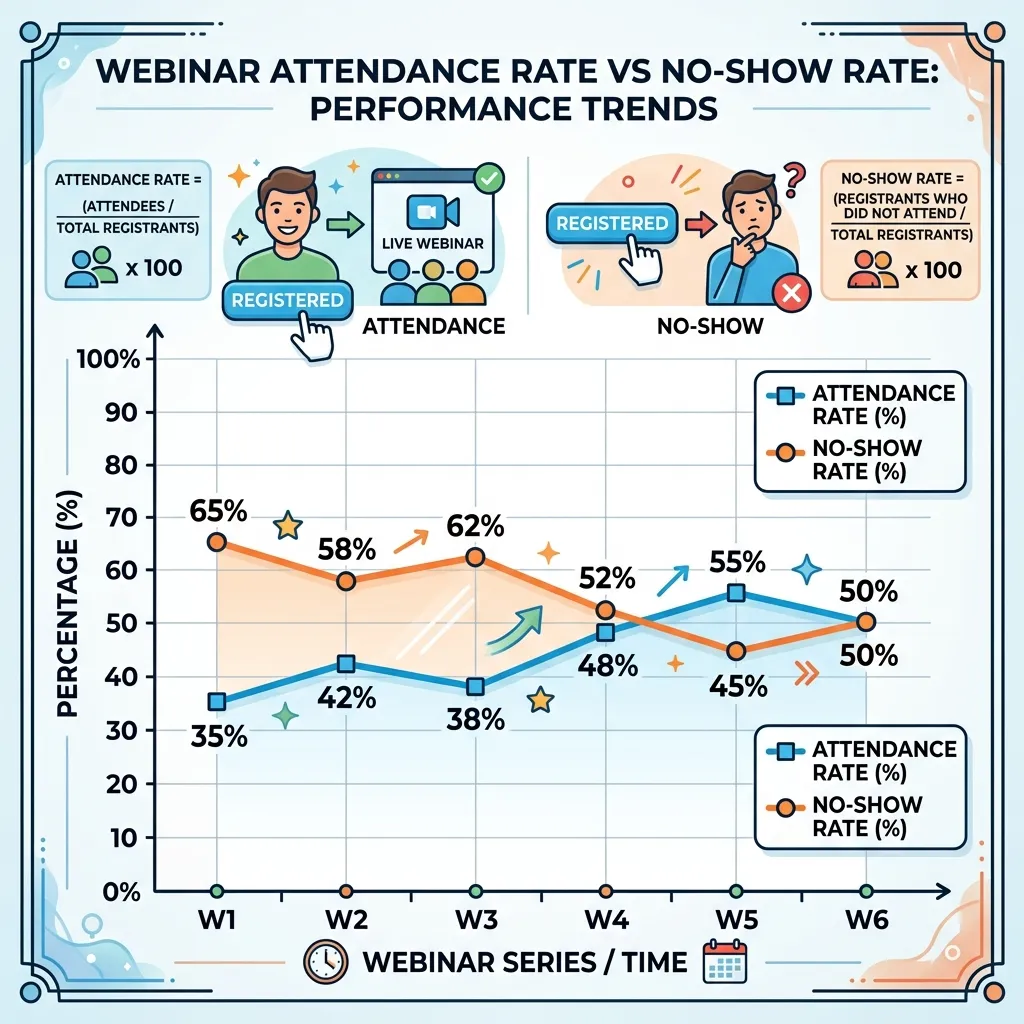
These two metrics are closely connected but measure opposite outcomes.
| Metric | Meaning |
|---|---|
| Registration Rate | Percentage of visitors who register |
| Attendance Rate | Percentage of registrants who attend |
| No-Show Rate | Percentage of registrants who do not attend |
| Engagement Rate | Level of audience interaction |
| Conversion Rate | Percentage taking the desired action |
For example, if 1,000 people register and 700 attend, the attendance rate is 70% and the webinar no-show rate is 30%.
Looking at these metrics together provides more useful insight than focusing on registrations alone.
How Email Can Reduce Webinar No-Show Rate
Email is one of the most important channels for keeping registrants engaged.
A simple sequence could look like this:
Registration Email → Value Email → Reminder → Final Reminder → Follow-Up
The first email confirms the registration.
The value email reminds the attendee why the event matters.
The reminder reinforces the date and time.
The final reminder provides the access information.
The follow-up email serves both attendees and no-shows.
For more advanced planning, consider using webinar email sequences to create a structured communication journey.
How Webinar Content Affects Attendance
Promotion may convince someone to register, but content expectations can influence whether they attend.
Your title and description should accurately represent the actual webinar. Avoid exaggerated claims that create unrealistic expectations.
Strong webinar content should be:
- Relevant
- Specific
- Practical
- Easy to understand
- Aligned with the registration promise
You can also review high-converting webinar title examples to understand how stronger positioning can attract more relevant registrants.
How to Track Webinar No-Show Rate Over Time
Do not evaluate your webinar no-show rate from one event alone.
Create a simple tracking sheet containing:
| Webinar | Registrations | Attendees | No-Shows | No-Show Rate |
|---|---|---|---|---|
| Webinar A | 500 | 325 | 175 | 35% |
| Webinar B | 600 | 420 | 180 | 30% |
| Webinar C | 750 | 570 | 180 | 24% |
This makes trends easier to identify.
If your no-show rate decreases from 35% to 24%, your attendance process is moving in the right direction.
You can combine this analysis with webinar analytics and key metrics to understand the complete attendee journey.
What to Do When Your No-Show Rate Is High
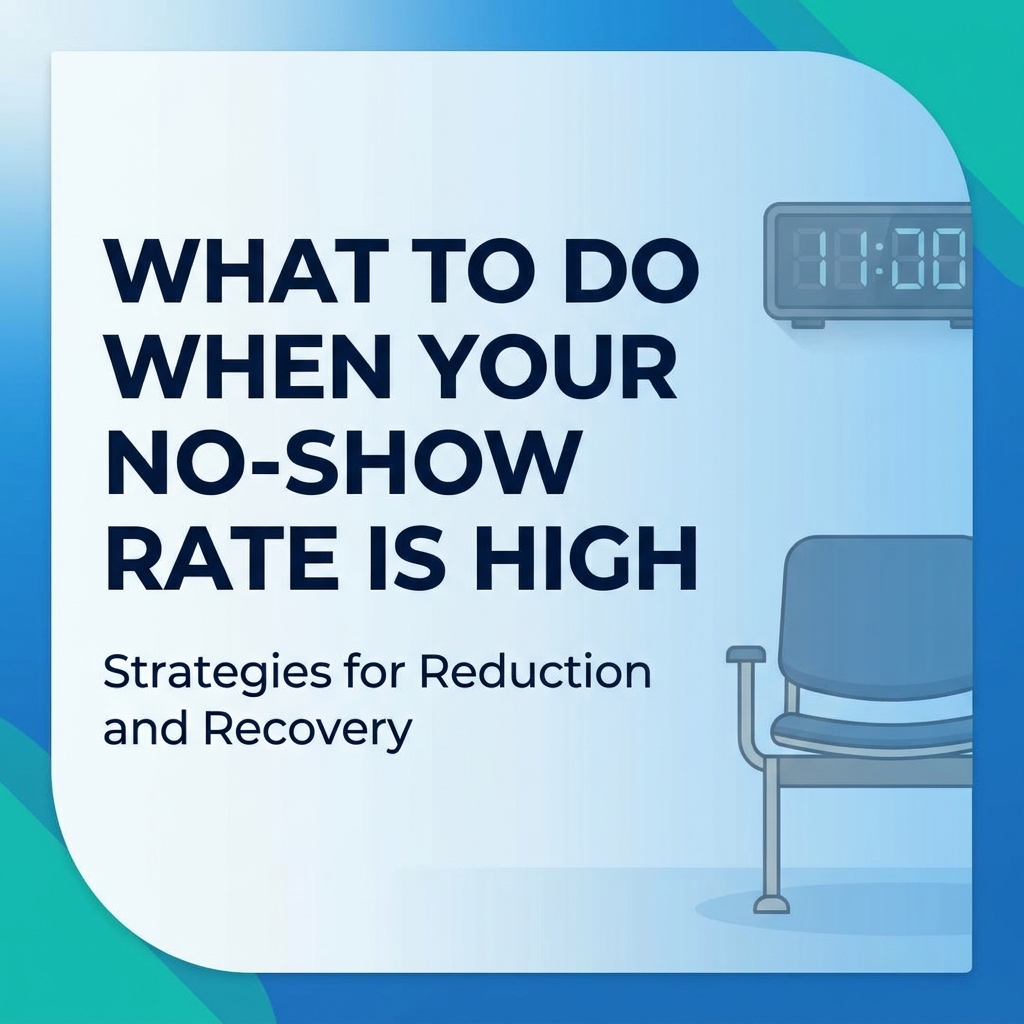
If your webinar no-show rate suddenly increases, investigate the entire registration-to-attendance journey.
Check:
- Was the webinar promoted to the right audience?
- Was the event scheduled at a convenient time?
- Did attendees receive confirmation emails?
- Were enough reminders sent?
- Was the value proposition clear?
- Was the registration-to-event gap too long?
- Were access instructions simple?
- Did the event topic match the promotional promise?
- Did previous webinars show similar behavior?
- Did the registration source affect attendance?
This approach helps you identify the actual problem instead of simply sending more reminders.
Turn No-Shows Into Future Attendees
Not every no-show should be treated as a failure.
Someone who registered has already demonstrated some level of interest. Use that signal to continue the relationship.
You can:
- Send the recording
- Share important webinar insights
- Invite them to another event
- Send relevant educational content
- Offer a related resource
- Ask why they could not attend
This creates an opportunity to learn what prevents attendance and improve future campaigns.
Final Thoughts
A high webinar no-show rate can reduce the value of an otherwise successful webinar campaign. The solution is not simply to generate more registrations. Instead, marketers should focus on turning registrations into committed attendees.
Clear expectations, convenient scheduling, useful reminders, personalized communication, strong webinar content, and effective follow-up can all contribute to better attendance.
Most importantly, treat attendance as part of the complete webinar funnel rather than an isolated metric. When you measure registration, attendance, engagement, and conversion together, you can identify where your webinar strategy is losing potential attendees and make smarter improvements for future events.
FAQ
1. What is webinar no-show rate?
Webinar no-show rate is the percentage of registered participants who do not attend the live webinar.
2. How do you calculate webinar no-show rate?
Subtract the number of attendees from registrations, divide the result by total registrations, and multiply by 100.
3. Why do people register for webinars but not attend?
Common reasons include forgetting the event, scheduling conflicts, weak perceived value, poor reminders, and technical concerns.
4. How can I reduce webinar no-show rate?
Use reminder emails, calendar invitations, personalized communication, strong value propositions, convenient scheduling, and clear access instructions.
5. Should I send multiple webinar reminders?
Yes. A well-timed reminder sequence can keep the event visible without overwhelming registrants.
6. Does webinar timing affect attendance?
Yes. Scheduling conflicts, time zones, work hours, and holidays can influence whether registrants attend.
7. Should I follow up with webinar no-shows?
Absolutely. Send recordings, key takeaways, related resources, or invitations to future webinars.
8. Is a high webinar no-show rate always bad?
Not necessarily. Some no-shows are normal, but a consistently high rate may indicate problems with targeting, timing, reminders, or perceived value.
9. What other webinar metrics should I track?
Track registrations, attendance rate, no-show rate, engagement, conversion rate, and post-webinar actions.
10. How can I improve webinar attendance over time?
Track your results across multiple events, identify patterns, test different reminder strategies, improve content positioning, and optimize your registration-to-attendance journey.








3 replies on “Webinar No-Show Rate: Causes, Benchmarks & How to Reduce It”
[…] You can calculate your no-show rate using Webinar No-Show Rate: How to Calculate. […]
[…] rate, a metric this guide to calculating webinar no-show rate explains in detail, including benchmarks for what’s considered […]
[…] why conversion tracking needs to follow the full journey rather than stopping at the top. Reviewing webinar no-show rate calculations is a good early step, since the gap between registration and actual attendance is usually the first […]