



Webinars have become an effective way for businesses to educate audiences, generate leads, build trust, and promote their products or services. However, simply presenting information is not enough to keep attendees interested. Successful webinars require meaningful interaction, engaging content, and opportunities for participants to get involved. Webinar audience engagement helps create a more valuable experience by encouraging attendees to participate through live polls, Q&A sessions, discussions, quizzes, and other interactive activities. In this guide, we will explore practical strategies, tools, and techniques to increase participation, maintain audience interest, and improve the overall webinar experience.
Webinar Audience Engagement Strategies
Creating an engaging webinar requires more than preparing slides and delivering a presentation. Businesses need to develop a strategy that encourages attendees to participate throughout the session. A successful approach begins with understanding the target audience, identifying their interests, and preparing content that addresses their needs. One effective strategy is to make the webinar interactive from the beginning. Instead of starting with a long introduction, welcome attendees with an interesting question, a quick poll, or a short discussion. This immediately encourages participation and helps presenters understand what the audience expects from the session.
Another important strategy is to organize the presentation into smaller sections. Long presentations without interaction can make attendees lose interest. Including short discussions, visual examples, and audience questions between sections helps maintain attention. Personalization also plays an important role. Addressing audience concerns, sharing relevant examples, and responding to questions make participants feel valued. When attendees believe the webinar is designed around their interests, they are more likely to remain involved. A well-planned approach to webinar audience engagement also requires clear communication before, during, and after the event. Sending reminders, sharing useful resources, and following up with additional information can strengthen the relationship between the business and its audience.
How to Increase Webinar Engagement
Increasing participation starts with understanding why people attend webinars. Most participants want to learn something useful, solve a problem, discover new ideas, or interact with industry experts. Therefore, the presentation should provide practical information rather than simply promoting a product or service. Start by creating a strong opening. The first few minutes are important because they influence whether attendees decide to stay. Introduce the main topic, explain what participants will learn, and share why the information matters. A relevant statistic, real-world example, or interesting question can make the introduction more memorable.
Visual content is another effective way to increase interest. Instead of relying entirely on text-heavy slides, use relevant images, diagrams, short videos, and demonstrations. Visual explanations make complicated topics easier to understand and help prevent presentation fatigue. Encouraging questions throughout the webinar is equally important. Rather than waiting until the final minutes, invite attendees to submit questions during different sections. This creates opportunities for interaction and allows presenters to address concerns immediately. Businesses can also improve webinar audience engagement by choosing a suitable presentation length. A focused session with valuable information is often more effective than an unnecessarily long presentation. Providing occasional breaks for questions and activities can make the experience more comfortable.
Interactive Webinar Ideas
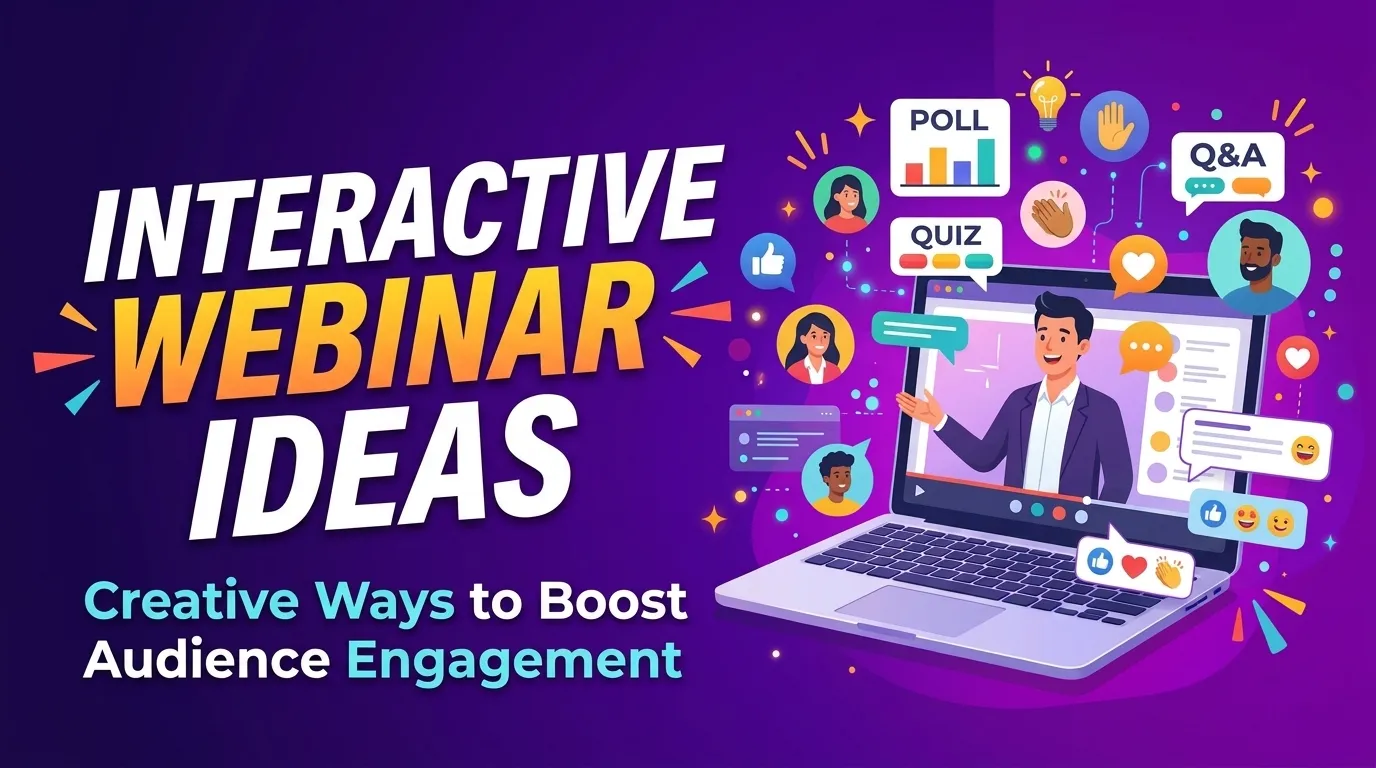 Interactive activities can transform a traditional webinar into an engaging learning experience. The most effective activities are simple, relevant to the topic, and easy for participants to complete. Live polls are one of the easiest ways to encourage participation. For example, a presenter discussing digital marketing can ask attendees which marketing channel they currently use. Participants can select an answer, and the presenter can discuss the results. This creates an opportunity to connect the presentation with the audience’s real experiences. Quizzes and knowledge checks are also useful. Presenters can ask questions related to previously discussed topics and allow attendees to test their understanding. This makes learning more enjoyable while helping speakers identify areas that may need further explanation.
Another interesting idea is hosting live demonstrations. Instead of only explaining how a product or service works, show attendees how to use it. Demonstrations provide practical value and allow participants to ask questions about specific features. Small-group discussions can also work well in webinars with breakout room functionality. Participants can discuss a particular problem, exchange ideas, and share their experiences before returning to the main session. Other activities include virtual brainstorming, audience challenges, interactive storytelling, and short competitions. These approaches make webinar audience engagement more natural because attendees become active participants instead of passive listeners.
Webinar Engagement Techniques
Effective engagement depends on how presenters communicate with their audience. Even valuable information can become difficult to follow if the presentation feels repetitive or overly formal. One useful technique is storytelling. Real-life examples, customer experiences, and business challenges help presenters explain concepts in a relatable way. Stories make information easier to remember and create an emotional connection with participants. Another technique is using conversational language. Presenters should avoid speaking as though they are reading a document. Instead, they should explain ideas naturally, ask questions, and encourage attendees to share their opinions.
Changing the presentation format is also important. A webinar can include slides, screen sharing, live demonstrations, short videos, and discussions. Switching between these formats helps maintain interest and prevents the session from feeling monotonous. Recognizing participants is another effective approach. When someone asks a useful question or shares an interesting idea, acknowledge their contribution. This encourages others to participate and creates a welcoming environment. Consistent interaction is at the heart of successful webinar audience engagement. Presenters should regularly create opportunities for attendees to respond, contribute, and express their thoughts. The goal is to make the session feel like a conversation rather than a one-way lecture.
Audience Participation in Webinars
Audience participation is essential for creating a meaningful webinar experience. When participants actively contribute, they become more invested in the topic and are more likely to remember the information presented. The first step is to establish a comfortable environment. Some attendees may hesitate to speak because they are unfamiliar with the presenter or other participants. Explain how the chat, microphone, and question features work before beginning the main presentation. Encourage participants to share their opinions through the chat section. For example, ask them to describe a challenge they are currently facing or share their experience with a particular subject. These responses can create useful discussions and provide insights into audience expectations.
You should also make participation accessible to everyone. Not all attendees feel comfortable speaking in front of a large group. Offering different ways to participate, such as polls, reactions, chat messages, and anonymous questions, helps more people get involved. Moderators can support the process by organizing questions, responding to technical concerns, and highlighting important audience comments. Their assistance allows presenters to concentrate on delivering valuable information. Strong webinar audience engagement depends on making participants feel that their contributions matter. When attendees feel heard and respected, they are more likely to participate and develop a positive impression of the event.
Webinar Engagement Tools
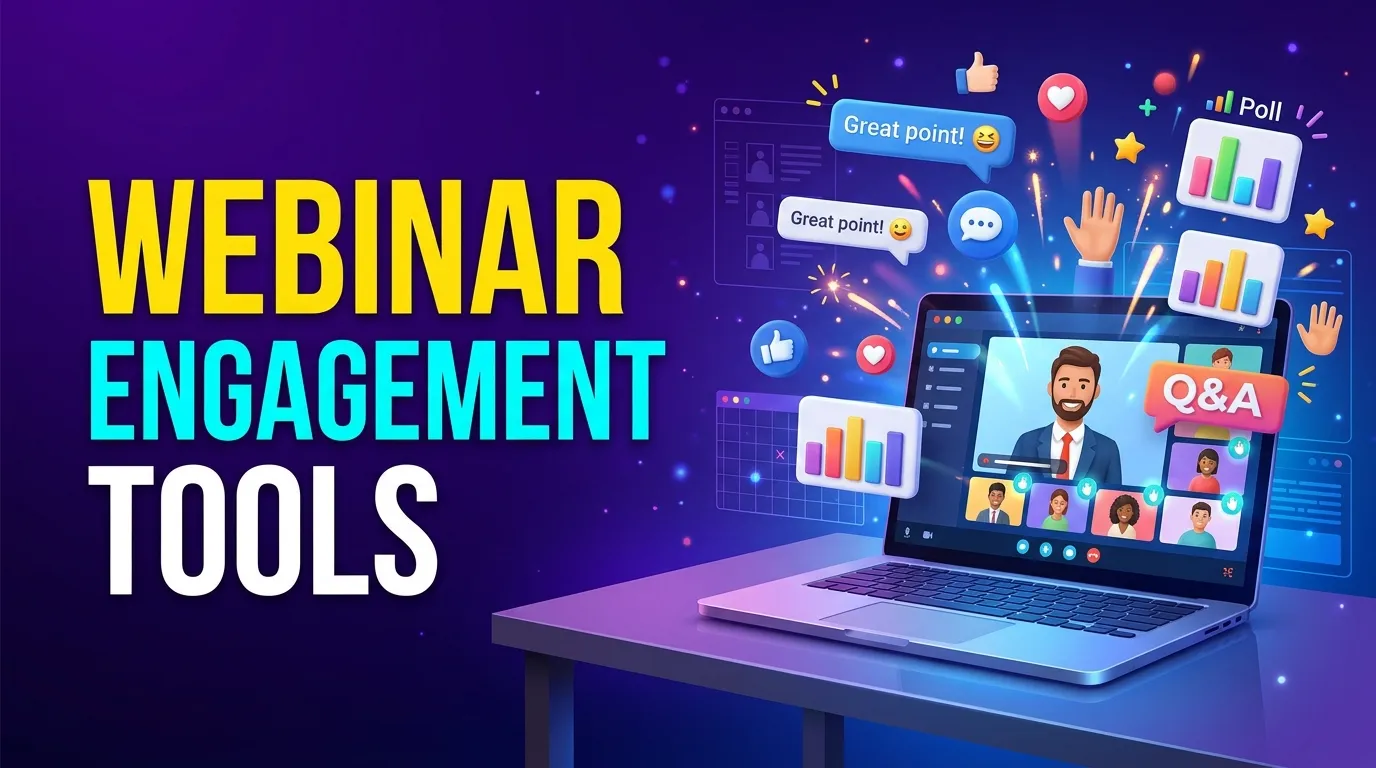 Choosing the right technology can make interactive webinars easier to organize and manage. Modern webinar platforms offer several features that help presenters communicate with attendees and monitor participation. Platforms such as Zoom, Microsoft Teams, and Webex provide features including live chat, screen sharing, polls, reactions, and Q&A sessions. These features allow presenters to communicate with participants without interrupting the entire presentation. Tools such as Mentimeter and Slido can also support interactive activities. They allow presenters to create live polls, audience questions, word clouds, and quizzes. These features are particularly useful when a webinar includes a large audience.
For businesses that want to measure performance, webinar analytics are equally important. Attendance reports, participation rates, poll responses, and audience retention information can help organizers understand how people interacted with the session. However, selecting too many tools can make the experience confusing. It is better to choose a few reliable solutions that support the webinar’s main objectives. Technology should support the presentation rather than distract from it. When selected carefully, these tools can improve webinar audience engagement, simplify audience interaction, and provide useful information for future events.
Ways to Keep Webinar Attendees Engaged
Keeping attendees interested throughout a webinar requires consistent planning. Even people who initially show strong interest may become distracted if the session does not provide enough value or interaction. One of the most effective approaches is to deliver useful information throughout the presentation. Avoid spending too much time discussing company backgrounds or promotional messages. Focus on the problems attendees want to solve and provide practical suggestions they can apply. A clear agenda also helps participants understand what to expect. Divide the session into meaningful sections and explain how each section contributes to the main topic. This creates a sense of progress and gives attendees a reason to stay until the end.
Presenters should also pay attention to audience energy. If participation begins to decrease, introduce a quick poll, ask an open-ended question, or share an interesting example. Small changes can help bring attention back to the discussion. Offering downloadable resources, templates, checklists, or additional reading materials can provide extra value. Attendees appreciate resources that help them apply what they have learned after the event. Another important factor is avoiding unnecessary interruptions. Test the microphone, camera, internet connection, and presentation software before starting. Technical problems can quickly reduce interest and make the webinar less enjoyable. Consistent webinar audience engagement requires presenters to balance useful information, interaction, and presentation quality. When all three elements work together, attendees are more likely to stay until the end.
Live Webinar Interaction Strategies
Live interaction makes webinars more personal and creates opportunities for immediate communication between presenters and participants. Unlike pre-recorded content, live sessions allow speakers to respond to audience reactions and adjust their discussions based on real-time feedback. One effective strategy is to begin with a live audience question. Ask participants what they hope to learn or which challenge they want the webinar to address. Their answers can help guide the discussion and make the session more relevant. Another approach is to include live Q&A breaks. Rather than saving every question for the end, pause after important sections and invite attendees to ask for clarification. This prevents confusion and encourages ongoing participation.
Live demonstrations are particularly effective for educational and product-focused webinars. Showing how a process works gives participants a clearer understanding than simply explaining it verbally. Guest speakers and panel discussions can also add variety. Different speakers bring different perspectives, experiences, and expertise. A moderated discussion can make the webinar more informative and interesting. To make webinar audience engagement more effective, presenters should also monitor the chat and respond to relevant comments. If several attendees raise similar concerns, address them during the session. This demonstrates that the presentation is responsive to the audience rather than following a fixed script.
Webinar Polls and Q&A Sessions
Polls and Q&A sessions are two of the most practical ways to encourage direct audience participation. They allow presenters to collect feedback, understand attendee preferences, and address questions in real time. Polls can be used at different stages of a webinar. At the beginning, they can help identify audience knowledge levels or expectations. During the presentation, they can test understanding or collect opinions about a particular subject. At the end, they can measure satisfaction and gather suggestions for future sessions. For example, a webinar about business growth could ask attendees which challenge affects their company most: customer acquisition, marketing costs, brand awareness, or customer retention. The presenter can use the results to focus on the areas that matter most to participants.
Q&A sessions provide another opportunity for meaningful communication. Attendees can ask questions about the presentation, request additional explanations, or discuss specific challenges. Presenters should answer clearly and avoid ignoring questions that are relevant to the webinar’s main topic. For larger events, having a dedicated moderator can make Q&A sessions more organized. The moderator can group similar questions, remove duplicates, and prioritize the most important topics. It is also helpful to leave enough time for questions rather than allowing the presentation to consume the entire session. Effective webinar audience engagement depends on giving attendees opportunities to contribute, not simply asking them to listen.
Improve Webinar Attendee Experience
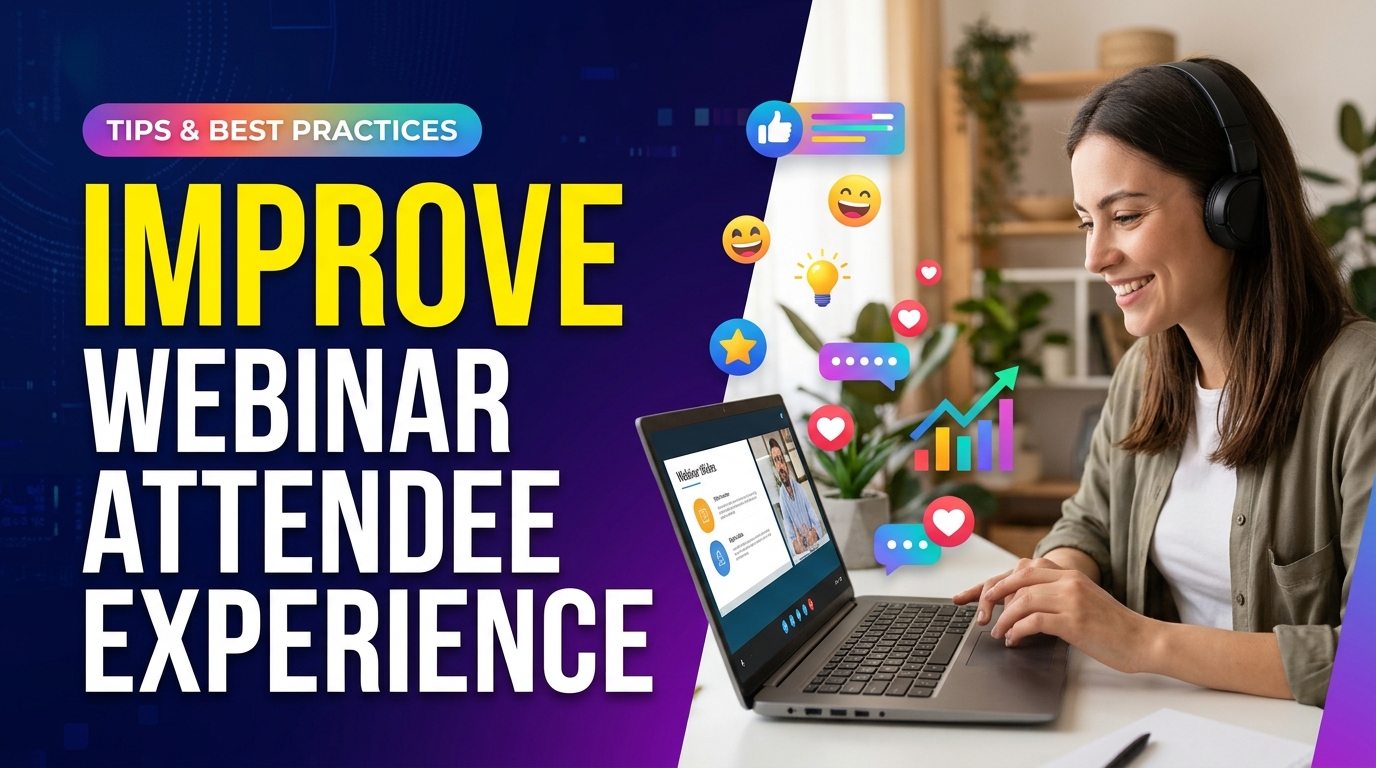 A positive attendee experience begins before the webinar starts and continues after the session ends. Every stage of the event should be designed to make participation easy, informative, and enjoyable. Before the webinar, provide a clear registration process and send confirmation emails with joining instructions. Reminders should include the event time, topic, speaker information, and any preparation participants may need. A simple joining process reduces confusion and helps attendees arrive on time. During the webinar, focus on presentation quality, clear communication, and accessibility. Use readable slides, good audio, and a stable internet connection. Speak at a comfortable pace and explain technical terms when necessary.
Accessibility should also be considered. Captions, readable visual materials, and alternative ways to participate can help attendees with different needs. Recording the webinar can also benefit people who cannot attend the live session or want to review important information later. After the event, send a follow-up email thanking participants for attending. Include the webinar recording, presentation slides, relevant resources, and answers to questions that could not be addressed during the session. Businesses should also collect feedback through a short survey. Ask attendees whether the content was useful, whether the presentation met their expectations, and what they would like to learn next. Finally, review performance data to understand attendance, participation, audience retention, and feedback. These insights help organizers identify what worked and what needs improvement. Improving webinar audience engagement is an ongoing process. By combining thoughtful planning, interactive content, reliable technology, and consistent follow-up, businesses can create webinars that provide lasting value and encourage attendees to participate in future events.
Conclusion
Creating a successful webinar requires more than delivering a well-prepared presentation. Businesses must understand their audiences, provide valuable information, and create opportunities for meaningful interaction. From live polls and Q&A sessions to engaging presentations and post-event follow-ups, every element contributes to a better experience. By applying the strategies discussed in this guide, businesses can increase participation, maintain audience interest, and build stronger relationships with attendees. A consistent focus on interaction and attendee satisfaction can turn ordinary webinars into valuable experiences that people look forward to attending.
FAQ
1. What is webinar audience engagement?
Webinar audience engagement refers to the ways presenters encourage attendees to participate, interact, and remain interested during an online presentation. It includes activities such as live polls, Q&A sessions, quizzes, chat discussions, and live demonstrations. The main objective is to create an interactive experience rather than a one-way presentation.
2. Why is audience engagement important in webinars?
Audience engagement is important because it helps maintain attention, improve learning, and create stronger connections between presenters and attendees. Engaged participants are more likely to understand the content, remember important information, ask questions, and take action after the webinar.
3. How can I increase engagement during a webinar?
You can increase engagement by asking questions, conducting live polls, including quizzes, sharing practical examples, and encouraging participants to use the chat feature. Keeping presentations organized, visually interesting, and relevant to audience interests also helps maintain attention.
4. What are the best interactive activities for webinars?
Some effective interactive activities include live polls, quizzes, Q&A sessions, brainstorming discussions, breakout rooms, live demonstrations, and audience challenges. The best activity depends on the webinar topic, audience size, and learning objectives.
5. Which tools are best for webinar engagement?
Popular webinar platforms include Zoom, Microsoft Teams, and Webex. Additional tools such as Slido and Mentimeter can help presenters create polls, quizzes, and interactive question sessions. Choose tools based on your webinar requirements and audience preferences.
6. How often should I include interactive activities in a webinar?
There is no fixed rule, but it is useful to introduce interaction regularly throughout the session. For a typical 45–60-minute webinar, consider adding an interactive activity every 5–10 minutes. This helps prevent long periods of passive listening.
7. How do you keep webinar attendees from losing interest?
Keep presentations focused, use engaging visuals, share practical examples, and avoid unnecessary promotional content. Encourage questions, include interactive activities, and maintain a comfortable presentation pace. Providing valuable information throughout the session gives attendees a reason to stay.
8. How can I measure webinar engagement?
You can measure engagement through attendance rates, average viewing time, audience retention, poll participation, chat activity, Q&A submissions, and post-webinar feedback. Reviewing these metrics helps identify which parts of the webinar were most effective.
9. What should I do if attendees are not participating?
Start by making participation easier. Ask simple questions, introduce anonymous polls, encourage chat responses, and create a welcoming environment. Avoid putting attendees under pressure to speak. Offering several participation options can help people feel more comfortable.
10. How can I improve the webinar experience after the event?
Send a follow-up email with the recording, presentation slides, useful resources, and answers to unanswered questions. Collect attendee feedback and review engagement analytics. Use these insights to improve your content, presentation style, and interactive activities for future webinars.










No Comments