


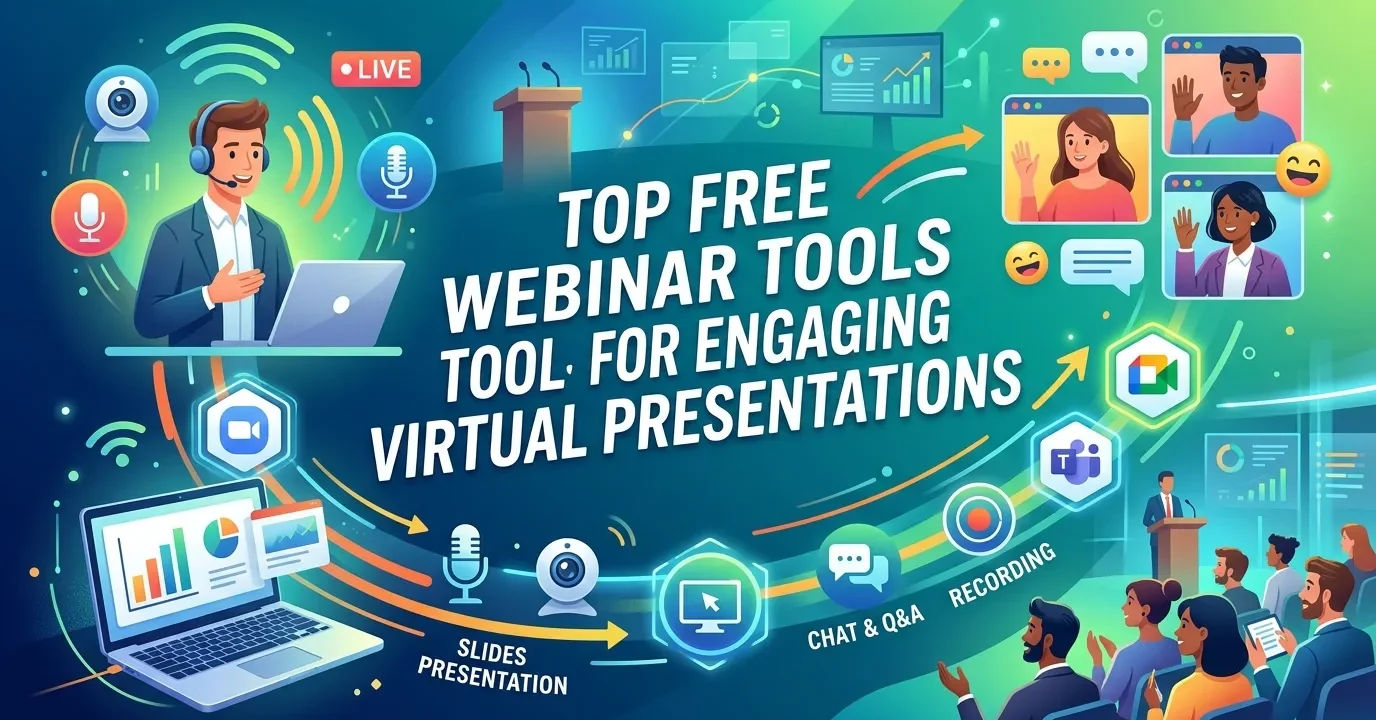
Free webinar tools like Zoom, Google Meet, YouTube Live, Webex, and Zoho Meeting help users host virtual presentations without cost. These platforms offer essential features such as screen sharing, live chat, and recording, making them ideal for training, marketing, and online events. Choosing the right tool depends on audience size, time limits, and required interaction features.
The best free webinar tools include Zoom, Google Meet, YouTube Live, Webex, and Zoho Meeting. These free webinar tools offer essential features like screen sharing, live chat, and recording capabilities at no cost. Choose Zoom for general familiarity, Google Meet for seamless browser access, or YouTube Live for broadcasting to an unlimited number of concurrent viewers.
Hosting virtual events requires reliable technology, but securing that technology does not always demand a massive budget. Organizations of all sizes regularly need to deliver presentations, train employees, and connect with prospective customers online. Finding the right software can significantly impact how well those messages are received. When budgets are tight, exploring free webinar tools becomes a strategic necessity rather than just a cost-cutting measure.
The market for virtual event software has expanded dramatically, leaving users with a vast array of online webinar hosting tools free of charge. Evaluating these platforms involves looking past the marketing language to understand strict participant limits, session time caps, and missing premium features. A platform that works flawlessly for a ten-person workshop might fail completely during a hundred-person product launch.
This comprehensive guide examines the most capable free webinar tools currently available. By analyzing the exact specifications, limitations, and ideal use cases for each platform, you can select the technology that best aligns with your organizational goals.
What are the best tools for hosting webinars free?

When evaluating platforms, the first step is to identify the core functionality your event requires. Free software tiers often restrict either the length of the event or the number of people who can attend. The following solutions stand out as the top free video conferencing webinar tools due to their reliability, feature sets, and accessibility.
When evaluating platforms, the first step is identifying your core webinar goals. Understanding audience behavior is crucial, as explained in why webinars are effective for B2B lead generation.
Zoom Basic: The standard for virtual presentations
Zoom remains one of the most recognizable names in digital communication. The Zoom Basic plan allows hosts to accommodate up to 100 participants, making it highly suitable for small to medium-sized webinars. The primary constraint on this free tier is the 40-minute time limit per meeting. For hosts conducting concise product demonstrations or brief Q&A sessions, this time limit encourages highly focused, efficient presentations.
Zoom provides essential features like screen sharing, breakout rooms, and a whiteboard. Participants can join via desktop applications, mobile apps, or web browsers, ensuring a frictionless entry process. If your primary goal is maximizing attendee familiarity and minimizing technical troubleshooting, Zoom serves as an excellent starting point.
Google Meet: A cloud-based free webinar platform
Google Meet integrates directly into the Google Workspace ecosystem. This cloud-based free webinar platform requires no software downloads for attendees, removing a significant barrier to entry. Users simply click a link and join the presentation directly through their web browsers.
The free version of Google Meet permits up to 100 participants and allows meetings to run for up to 60 minutes. This provides a comfortable buffer over Zoom’s 40-minute limit. The platform includes live closed captions powered by Google’s speech recognition technology, which greatly enhances accessibility for diverse audiences. Google Meet is highly recommended for organizations that already rely heavily on Google Calendar, Gmail, and Google Drive for their daily operations.
However, success depends not just on platform choice but also on engagement tactics outlined in boosting webinar engagement strategies.
YouTube Live: Free webinar recording and streaming tools
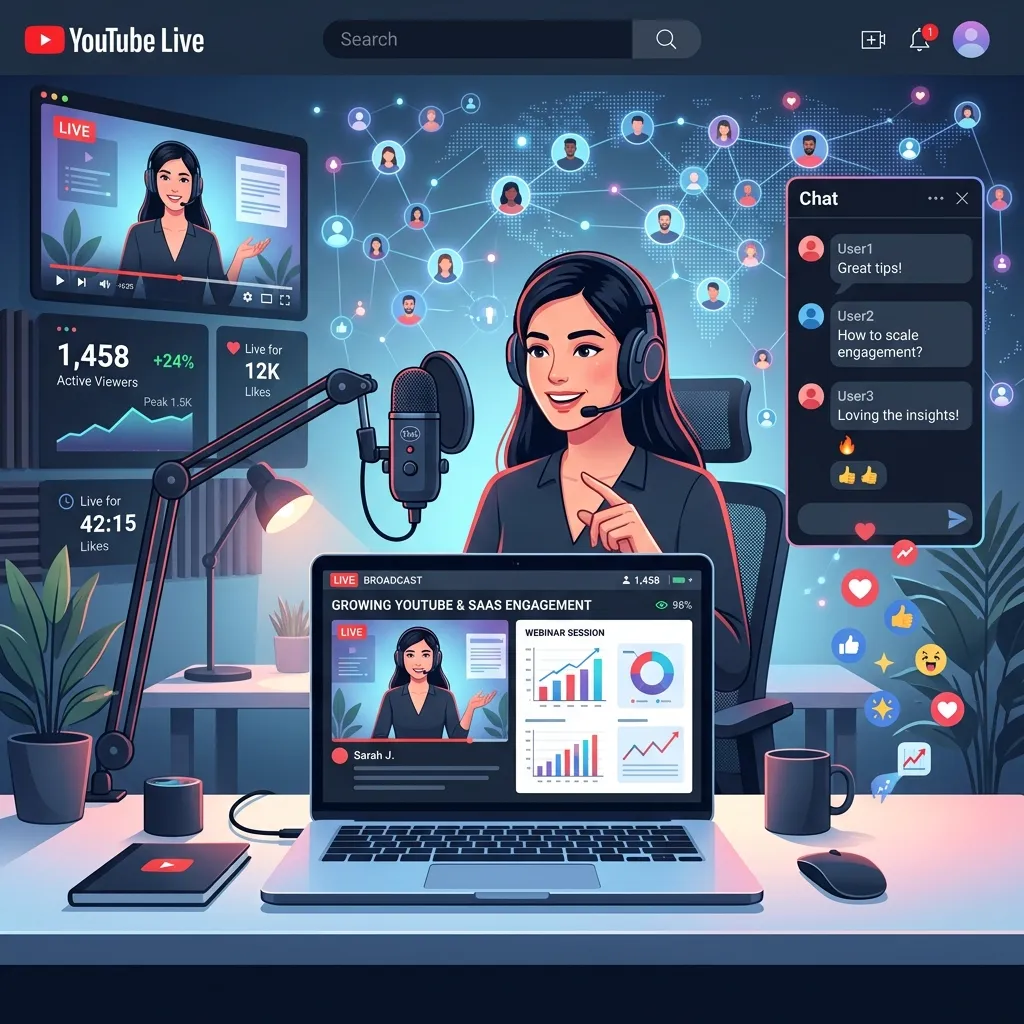
Organizations looking to broadcast to massive audiences without paying licensing fees should strongly consider YouTube Live. Unlike traditional webinar platforms that cap attendance, YouTube Live supports an unlimited number of concurrent viewers. This makes it a powerful option for public-facing events, industry keynotes, and widespread educational seminars.
YouTube Live functions differently than standard video conferencing software. The focus is strictly on broadcasting a message outward rather than hosting a highly collaborative two-way meeting. The platform automatically records the broadcast and saves it directly to the host’s YouTube channel. This built-in functionality eliminates the need for separate free webinar recording and streaming tools. Audience interaction is managed through a live text chat alongside the video player, allowing the host or a moderator to answer questions in real time.
What are the top interactive webinar software free options?
Presentations that require deep audience engagement need specific features like live polling, Q&A tabs, and interactive whiteboards. Several platforms prioritize these interactive elements even on their unpaid tiers.
Many of these techniques are covered in interactive webinar engagement tools and strategies for better audience participation.
Webex by Cisco: Free live webinar software solutions
Cisco’s Webex platform offers a surprisingly robust free tier for professionals seeking high security and interactive features. The free Webex plan allows up to 100 participants and offers a generous 40-minute time limit per meeting. What sets Webex apart in the free category is its suite of engagement tools.
Webex provides native polling, interactive whiteboarding, and a dedicated Q&A feature that helps presenters separate audience questions from the general chat stream. The platform is highly regarded for its enterprise-grade security protocols, featuring end-to-end encryption. For professionals in healthcare, finance, or legal sectors who require secure tools for virtual webinars and presentations, Webex provides an excellent, zero-cost foundation.
Zoho Meeting: Secure and straightforward web conferencing
Zoho Meeting offers a fundamentally different structure for its free tier. The free version restricts sessions to a maximum of 60 minutes but allows up to 100 participants. Zoho Meeting operates entirely within the browser, prioritizing speed and ease of access.
The interactive elements on Zoho Meeting’s free plan include screen sharing, in-session chat, and the ability to mute or unmute participants to maintain control over the presentation environment. It integrates smoothly with the broader Zoho software suite. Businesses already utilizing Zoho CRM or Zoho Campaigns will find this tool particularly useful for streamlining their workflow.
Livestorm: Webinar marketing tools for beginners
Livestorm positions itself as an end-to-end video engagement platform. Their free tier is explicitly designed as a trial of their premium features, but it functions well for small-scale operations. The Livestorm free plan allows for events up to 20 minutes long with a maximum of 30 active attendees per session.
While the participant and time limits are strict, Livestorm provides access to premium webinar marketing tools for beginners. Users can build custom registration pages, send automated reminder emails, and analyze attendance data post-event. Livestorm provides a complete view of the attendee journey from registration to follow-up. This makes it an ideal platform for marketers who need to test specific sales pitches or conduct highly targeted micro-webinars before committing to a paid software subscription.
How do you choose the right free webinar platform?

Selecting the correct platform requires matching the software’s specific constraints with your organizational needs. No single free tool performs perfectly across all possible scenarios. You must prioritize the features that matter most to your specific audience.
First, calculate your expected audience size. If you anticipate 500 attendees, tools like Zoom Basic and Google Meet will immediately lock out 400 of your guests. In that scenario, broadcasting via YouTube Live becomes the only viable free path.
Second, determine your required presentation length. A comprehensive technical training seminar simply cannot be condensed into Zoom’s 40-minute window without causing significant disruptions. Google Meet’s 60-minute allowance offers more breathing room for educational content.
Finally, assess the level of audience interaction you need. A product demonstration might only require screen sharing and a chat box. However, a collaborative workshop demands tools like breakout rooms and interactive whiteboards, making platforms like Webex or Zoom more appropriate choices.
Understanding these variables ensures that you leverage the best tools for virtual webinars and presentations without encountering unexpected technical barriers on the day of your event.
Launch your next virtual event with confidence
Delivering a compelling virtual presentation does not require a massive software budget. The digital landscape offers numerous highly capable free live webinar software solutions that can accommodate varied business needs. By understanding the specific limitations regarding participant caps and session durations, you can effectively match your event strategy to the right platform. Test a few of these systems internally, refine your presentation skills, and start engaging with your audience utilizing the platforms detailed above.
Frequently Asked Questions
Which free webinar software allows the most participants?
YouTube Live supports an unlimited number of concurrent viewers, making it the best free option for massive audiences. Traditional interactive platforms like Zoom Basic, Google Meet, and Webex cap their free tiers at exactly 100 participants. Choose YouTube Live if audience scale is your primary objective.
How long can I host a webinar for free?
Session limits vary strictly by platform. Google Meet allows free sessions up to 60 minutes. Zoom Basic and Webex limit free meetings to 40 minutes. Livestorm restricts free events to 20 minutes. If you require unlimited time for a free broadcast, YouTube Live has no strict time caps on live streams.
What are the best webinar marketing tools for beginners?
Livestorm offers the most comprehensive marketing features on a free tier. It provides custom registration pages, automated email reminders, and post-event analytics. While the free version restricts events to 20 minutes and 30 attendees, it allows beginners to learn the mechanics of webinar marketing funnels without any financial investment.
Can I record webinars using free software?
Yes, several platforms offer free recording capabilities. YouTube Live automatically records your broadcast and archives it on your channel. Zoom Basic permits local recording directly to your computer’s hard drive, though it does not offer free cloud storage.
Do attendees need to download software to join my free webinar?
It depends on the platform you select. Google Meet, Zoho Meeting, and YouTube Live operate entirely within standard web browsers, requiring zero downloads from your attendees. Zoom and Webex offer browser-based joining options, but strongly prompt users to download their respective desktop or mobile applications for the best experience.













One reply on “Top Free Webinar Tools for Engaging Virtual Presentations”
[…] tools for tasks like landing page creation, polling, or lightweight analytics. This roundup of free webinar tools for virtual presentations is a useful starting point for teams building out an automated program without a large software […]