


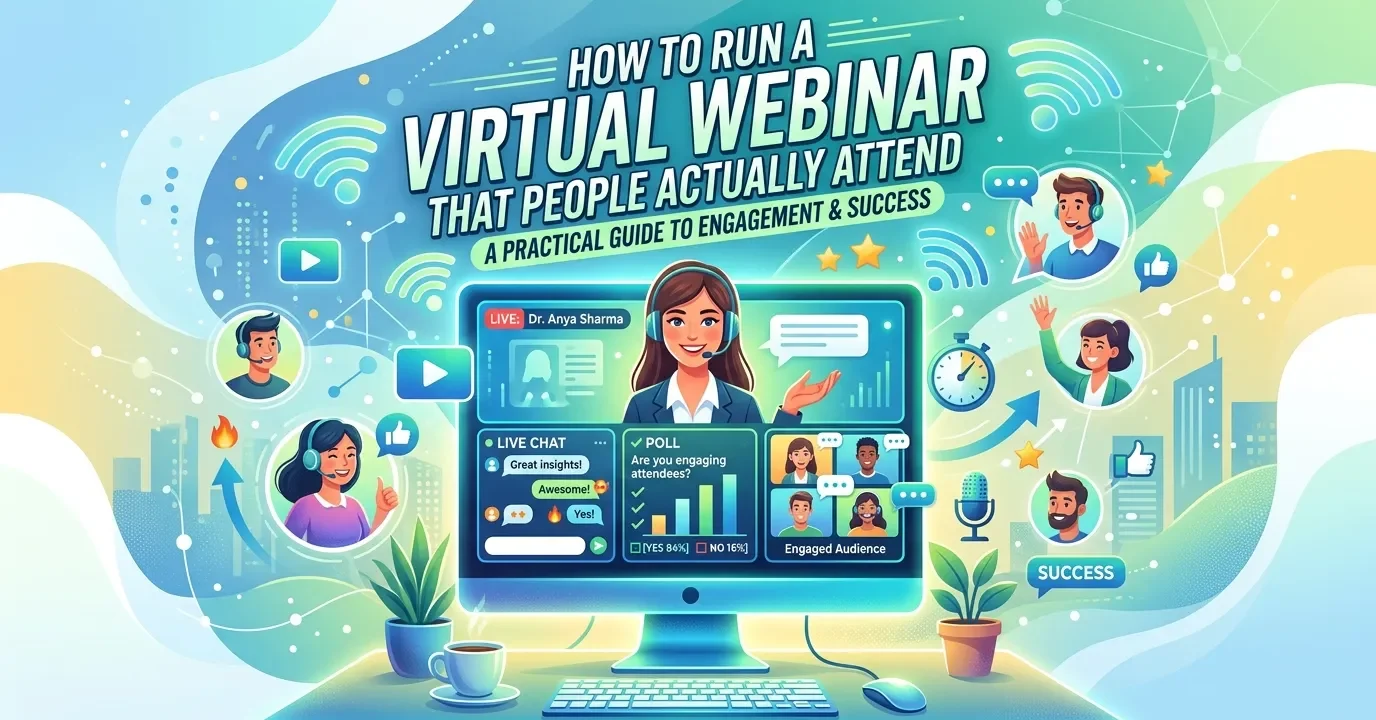
A successful virtual webinar combines the right software, a clear marketing plan, and engaging delivery. Choose a reliable virtual webinar platform, promote your event across email and social media, rehearse your presentation, and build in interactive moments like polls and live Q&A to keep attendees watching from start to finish.
Hosting a webinar sounds simple—until you’re staring at a screen with three attendees and a slideshow that won’t load. The truth is, great webinars don’t happen by accident. They’re the result of smart planning, the right tools, and a delivery style that holds attention.
Webinars have become one of the most effective ways to teach, sell, and connect with an audience online. They let you reach hundreds (or thousands) of people without booking a venue, printing badges, or buying lukewarm coffee. But the bar for quality keeps rising, and audiences expect more than a person reading bullet points off a slide.
This guide walks you through everything you need to plan, promote, and run a virtual webinar that keeps people engaged. You’ll learn how to pick the right software, market your event, set up your tech, and deliver a presentation that sticks. Whether this is your first webinar or your fiftieth, these strategies will help you get better results.
What Is a Virtual Webinar?
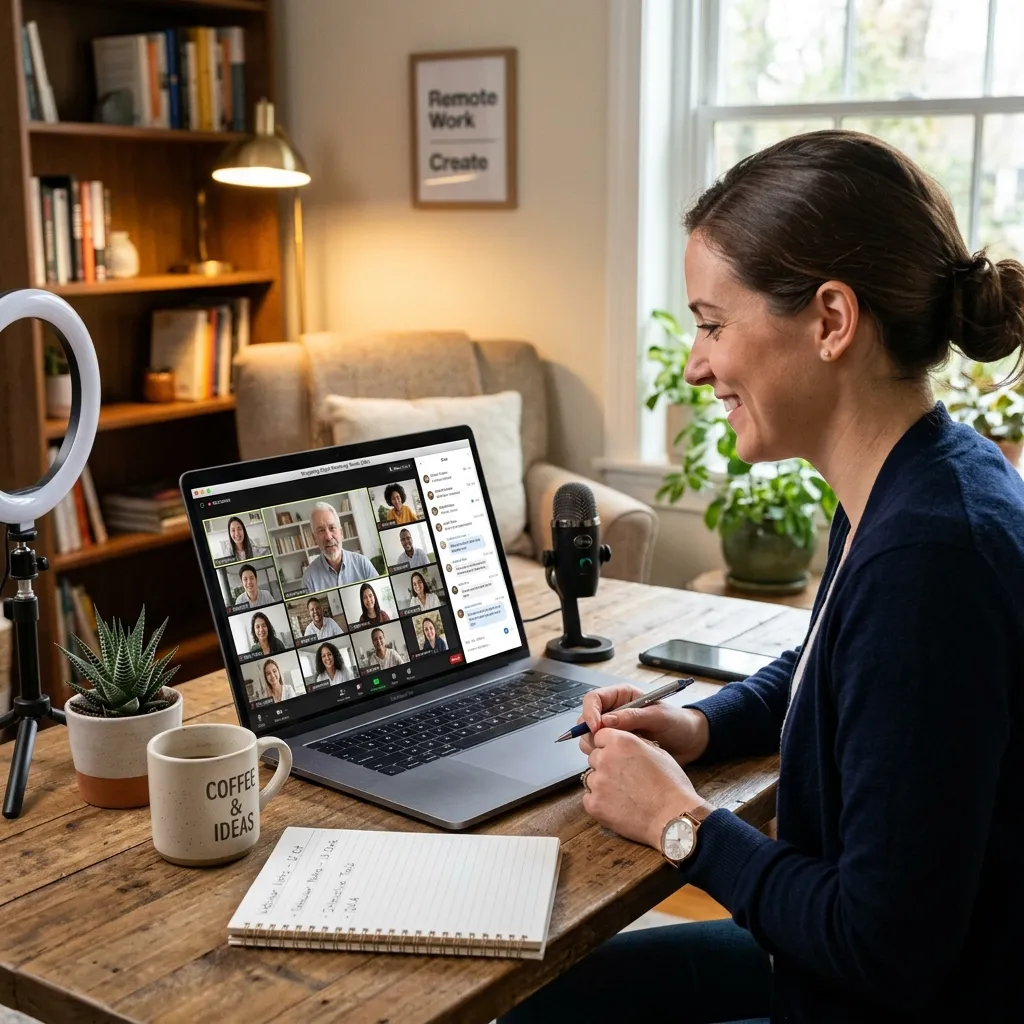
A virtual webinar is a live or pre-recorded online presentation delivered to a remote audience over the internet. The word “webinar” blends “web” and “seminar,” which captures the idea well: it’s a seminar you attend from anywhere.
Webinars usually include a host or presenter, a set of slides or a screen share, and tools that let the audience interact through chat, polls, or questions. They’re used for product demos, training sessions, thought leadership talks, lead generation, and customer onboarding.
The format works because it’s flexible. A solo founder can run a webinar from a laptop, while a large enterprise can broadcast a polished production to a global audience. What matters most is how well you plan and execute it.
How to Choose the Right Virtual Webinar Platform
Your platform shapes the entire experience, so it pays to choose carefully. The best virtual webinar software depends on your audience size, budget, and the features you actually need.
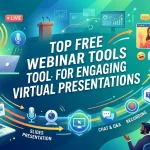
Before deciding, compare tools using this detailed best webinar platforms comparison guide.
What features should virtual webinar software include?
When comparing tools, also consider technical readiness. A solid setup reduces failure risk—this webinar tech setup guide for beginners can help you avoid common mistakes.
When comparing online webinar hosting tools, look for these core features:
- Reliable streaming: Your video and audio should stay smooth even with a large audience. Lag and dropouts are the fastest way to lose viewers.
- Registration and landing pages: Built-in sign-up forms make it easy to capture leads and send reminders.
- Interactive tools: Polls, Q&A, chat, and reactions keep attendees involved instead of passive.
- Screen sharing and slides: You’ll need clean, simple ways to present visuals.
- Recording: A recording lets you repurpose the session for people who couldn’t attend live.
- Analytics: Data on attendance, engagement, and drop-off points helps you improve next time.
- Integrations: Connections to your CRM, email tool, and calendar save hours of manual work.
Which virtual webinar platform is right for you?
Popular options include Zoom Webinars, GoTo Webinar, Webex, Demio, Livestorm, and Zoho Webinar. Each suits different needs:
- Choose Zoom Webinars if your team already uses Zoom and you want a familiar, scalable option.
- Choose Demio or Livestorm if marketing and lead generation matter most, since both focus on engagement and clean branding.
- Choose GoTo Webinar or Webex if you need enterprise-grade reliability for large, recurring events.
Start with a free trial whenever possible. Testing the platform with a small internal run will reveal quirks before your real audience shows up.
How Do You Set Up a Virtual Event Webinar?

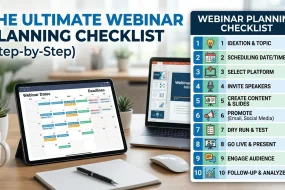
A smooth webinar starts with solid preparation. Rushing your setup is the most common reason events feel chaotic.
Plan your topic and format
Pick a topic narrow enough to cover well in your time slot. A focused session like “5 ways to cut your cloud costs” beats a vague one like “everything about cloud computing.” Decide on your format too: a solo talk, an interview, a panel, or a live demo.
Prepare your tech
Test everything at least a day before. Check your camera, microphone, internet connection, and lighting. Use a wired connection if you can, since it’s far more stable than Wi-Fi. Close unnecessary apps to free up your computer’s resources.
Build your slides and assets
Keep slides clean and visual. Aim for one idea per slide and avoid walls of text. Have any links, downloads, or demo materials ready to share in the chat at the right moments.
Do a full rehearsal
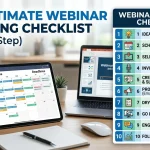
Run through the entire session at least once, ideally with a colleague acting as the audience. Practice switching between slides and screen shares, and time yourself so you don’t run over. A rehearsal builds confidence and catches problems early.
How to Market Your Virtual Webinar
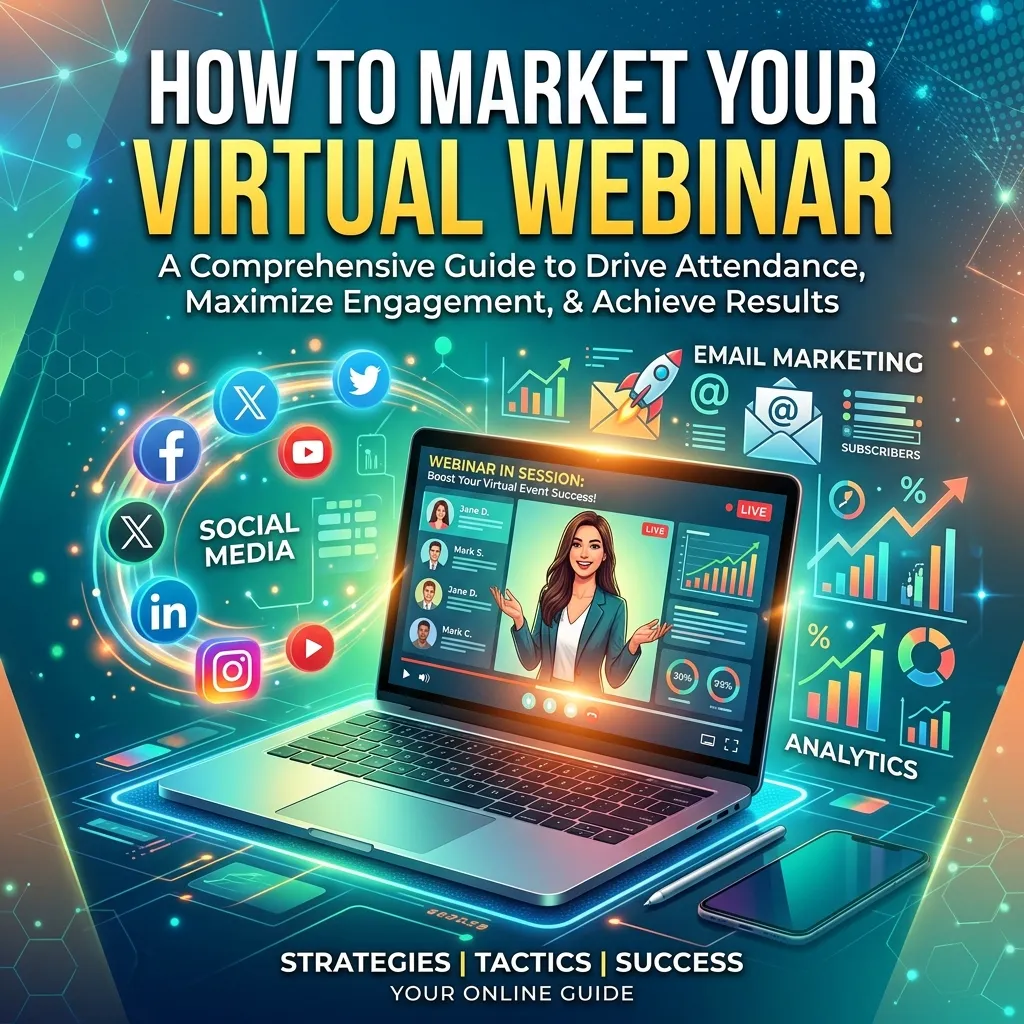
Even the best webinar falls flat if nobody knows about it. A strong virtual webinar marketing strategy starts well before the event date.
Start promoting early
Open registration two to three weeks ahead. This gives you time to build momentum and send several reminders without spamming people.
Use multiple channels
Don’t rely on a single email blast. Spread the word through:
- Email: Your list is usually your highest-converting channel. Send an announcement, a mid-point reminder, and a final “starting soon” email.
- Social media: Share teaser posts, speaker quotes, and countdown graphics across the platforms your audience uses.
- Your website: Add a banner or pop-up on high-traffic pages.
- Partners: Ask co-hosts or guest speakers to promote the event to their own audiences.
Write a compelling registration page
Your landing page should answer one question fast: what will I learn? List clear takeaways, name your speakers, and include the date, time, and time zone. A short, benefit-driven headline works better than a clever one nobody understands.
Send reminders
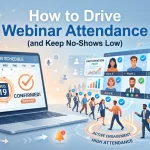
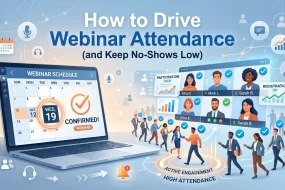
Many no-shows happen simply because people forget. Send reminder emails 24 hours and one hour before the event, and include a calendar link at registration so the session lands in their schedule.
How Do You Keep People Engaged During a Live Virtual Webinar?
Attention is fragile online. Distractions are one click away, so your job is to give people reasons to stay. These virtual webinar engagement tips will help.
Engagement is the difference between attention and drop-off. Using interactive tools like polls and Q&A can dramatically improve results, as explained in this interactive webinar engagement strategies guide.
Start strong
Open with a hook in the first 60 seconds—a surprising stat, a bold question, or a promise of what they’ll walk away with. Don’t waste the opening on a long introduction.
Use interactive tools often
Run a poll within the first few minutes to get people clicking. Invite questions throughout, not just at the end. Use chat to spark conversation and acknowledge attendees by name when you can.
Tell stories and use examples
Concrete examples and short stories make ideas stick far better than abstract theory. Show real screenshots, case studies, or before-and-after results whenever possible.
Vary your pacing
Switch between talking, showing your screen, running a poll, and answering questions. Changing the rhythm every few minutes resets attention and keeps the session from feeling like a lecture.
Save time for live Q&A
Live Q&A is often the most valuable part of a webinar. It shows you’re responsive and helps you address real concerns. Seed a few questions in advance in case the chat is quiet at first.
Virtual Webinar Presentation Guide: Delivering With Confidence
How you present matters as much as what you present. A confident, natural delivery keeps people listening.
Speak clearly and slow down
Nerves make most people rush. Slow your pace slightly and pause between key points. Pauses give your audience time to absorb what you’ve said.
Look at the camera
Eye contact builds connection, even through a screen. Position your camera at eye level and glance at it regularly instead of staring at your slides.
Manage your environment
Choose a quiet, well-lit space with a tidy background. Natural light facing you works best. Silence notifications so nothing interrupts your flow.
Have a co-host or moderator
If possible, bring in a second person to manage chat, launch polls, and field questions. This frees you to focus on presenting and keeps the technical side running smoothly.
Virtual Webinar Best Practices to Remember
Keep these principles in mind for every event you run:
- Respect people’s time. Start and end when you said you would, and keep the content tight.
- Record every session. A recording extends your reach and gives you content to repurpose.
- Follow up promptly. Send a thank-you email with the recording, slides, and any promised resources within 24 hours.
- Gather feedback. A quick post-webinar survey tells you what worked and what to improve.
- Track your metrics. Registration rate, attendance rate, engagement, and conversions all reveal how well you did.
Turning One Webinar Into Lasting Results
A single webinar can do more than fill an hour. The recording becomes an on-demand asset, the slides turn into a blog post or social clips, and the questions from attendees reveal exactly what your audience cares about. Each event teaches you something you can apply to the next.
Start small if you need to. Pick a topic you know well, choose a platform that fits your budget, and run a focused, 30-minute session. Promote it properly, engage your audience throughout, and follow up with care. Do that consistently, and webinars will become one of the most reliable ways to grow your reach and build trust with your audience.
The next step is simple: choose your topic, pick your date, and start planning. Your first—or best—webinar is closer than you think.
Frequently Asked Questions
How long should a virtual webinar be?
Most webinars run between 30 and 60 minutes. A 45-minute presentation followed by 15 minutes of Q&A is a reliable format. Keep it shorter if your topic is narrow, since people’s attention drops sharply past the one-hour mark.
What is the best day and time to host a webinar?
Midweek mornings tend to perform well, with Tuesday, Wednesday, and Thursday around 10 a.m. to 11 a.m. being popular choices. Always consider your audience’s time zone and work schedule, and test different slots to see what draws the best turnout.
How much does it cost to host a virtual webinar?
Costs vary widely. Some platforms offer free plans for small audiences, while professional virtual webinar software typically ranges from around $40 to several hundred dollars per month, depending on attendee limits and features. Factor in any spending on promotion and design too.
What’s a good attendance rate for a webinar?
A typical attendance rate sits between 40% and 50% of registrants. Sending timely reminder emails and calendar invites can push that number higher. Don’t be discouraged by no-shows—they’re normal, and registrants who miss the live event often watch the recording.
Can you run a virtual webinar for free?
Yes. Several platforms offer free tiers that support small audiences, and tools like basic video conferencing can work for an informal session. Free plans usually limit attendee numbers and advanced features, so they suit beginners or small-scale events best.







No Comments