


Analyzing Your Target Audience

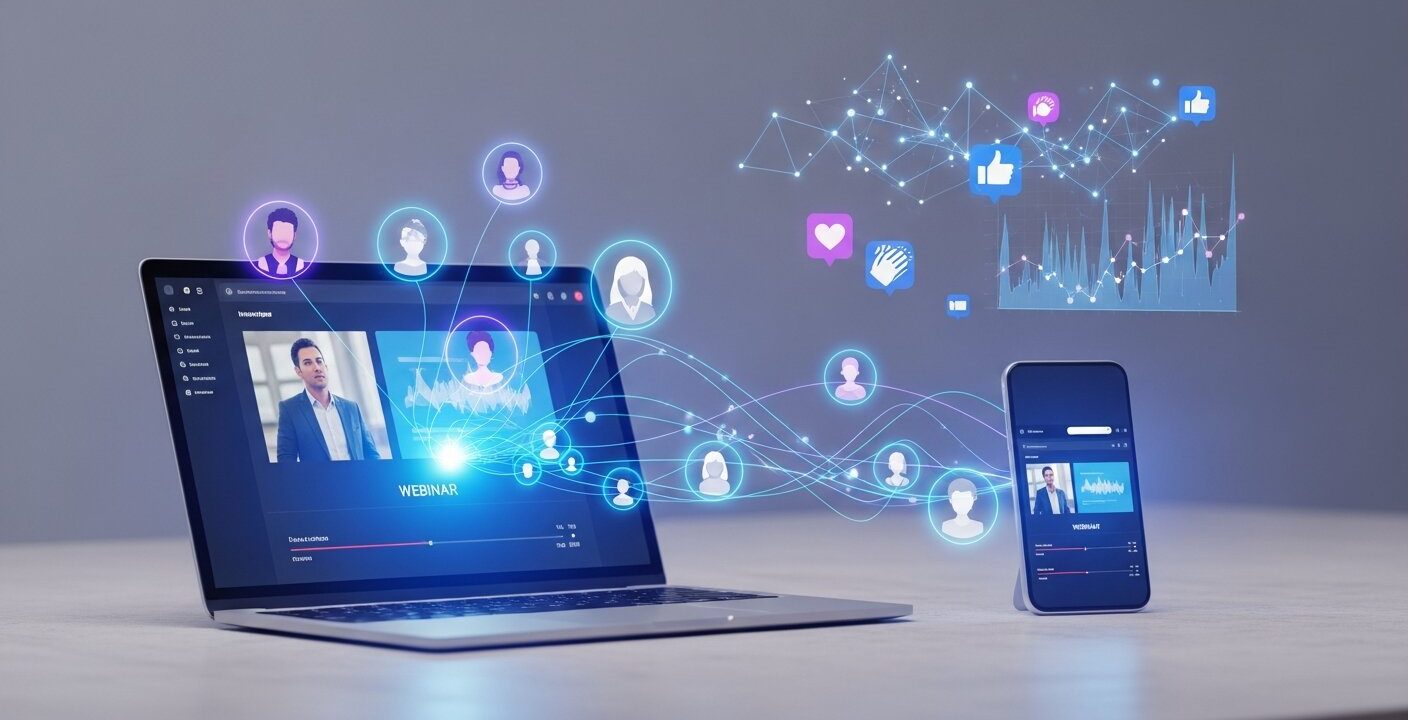
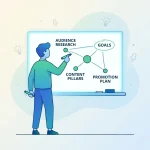
Understanding who will participate in your webinar is the cornerstone of any successful personalized webinar campaigns strategy. Start by compiling demographic and firmographic data, including job title, industry, company size, and geographic region. Next, examine historical interactions: which past events attracted the highest sign-up rates, and what topics drove the longest viewing sessions? Tools like Google Analytics and CRM platforms can reveal valuable patterns.
To refine your profiles, deploy surveys or feedback forms to your mailing list. Questions might address primary challenges, preferred learning formats, and content priorities. This qualitative insight enriches quantitative data, giving you a holistic understanding of attendee motivations and pain points. These insights become even more powerful when paired with data-driven webinar marketing optimization strategies.
Segmentation Techniques
- Behavioral grouping: Identify registrants by past webinar attendance or content downloads.
- Role-based buckets: Create cohorts for marketers, product managers, and executives.
- Industry clusters: Separate audiences by sectors such as healthcare, finance, or manufacturing.
For example, if a group of attendees consistently seeks case studies on compliance in the healthcare sector, you can craft a dedicated webinar titled “Best Practices for Healthcare Data Security.” In contrast, a finance-focused segment might respond better to sessions on “Advanced Analytics for Risk Management.” By mapping these segments to topic ideas, you ensure your message resonates deeply.
Remember to maintain data hygiene throughout this process. Regularly update your database to remove outdated contacts and merge duplicates. Ensure compliance with privacy standards by offering clear opt-in and opt-out options and honoring regional data regulations such as GDPR. This attention to detail preserves trust and improves overall engagement.
Finally, synthesize your research into buyer personas that highlight goals, challenges, and preferred communication channels. Document these profiles in a centralized repository accessible to all team members. When everyone on your marketing and webinar production teams references the same personas, you foster consistency in messaging and ensure that your personalized webinar campaigns remain tightly aligned with audience expectations.
Creating Tailored Invitations and Registration Pages
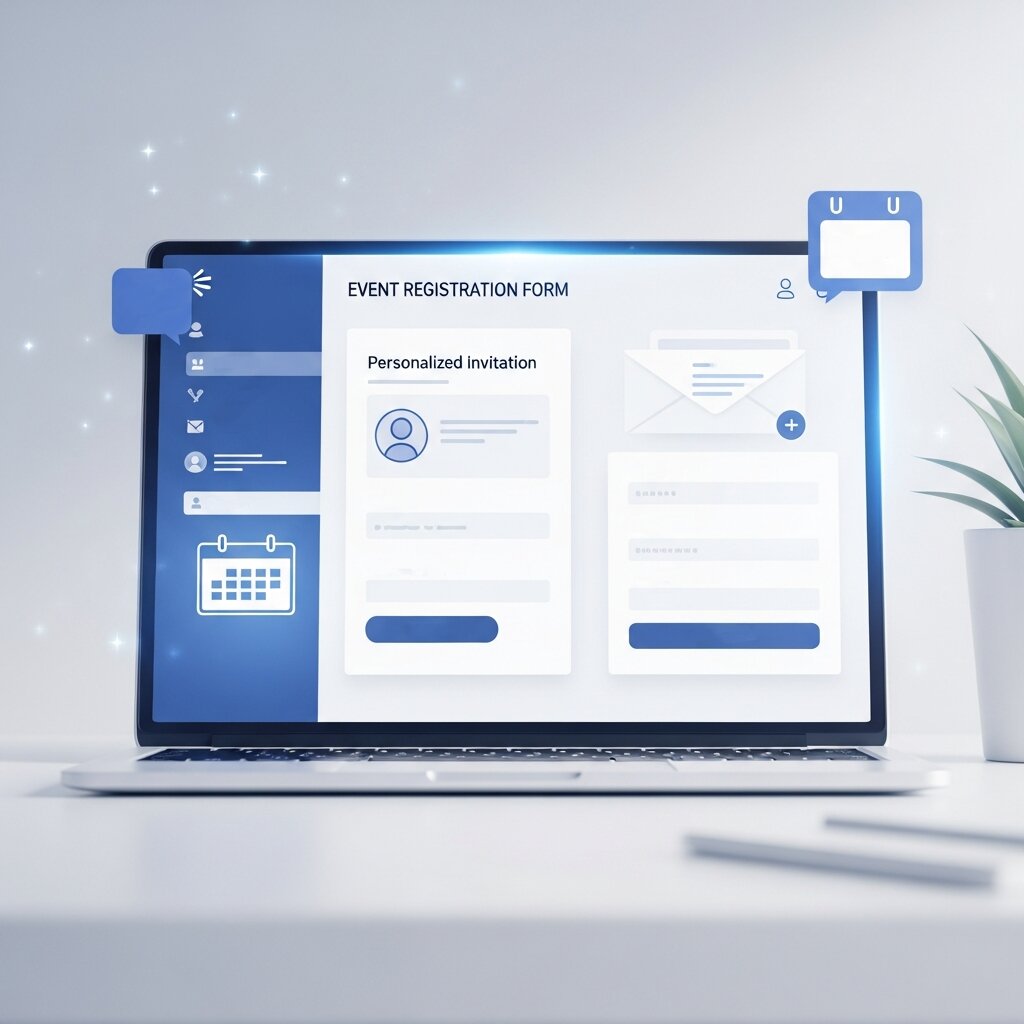
With audience segments clearly defined, the next step is to design invitations and landing pages that adapt to each group’s unique needs. Dynamic content features in marketing automation platforms allow you to swap headlines, images, and call-to-action (CTA) buttons based on contact attributes. This kind of precision transforms generic invites into highly relevant messaging.
Begin with the email subject line—it determines whether your message gets opened. Personalize it by inserting the recipient’s name, company, or role. For instance: “Sarah, discover lead generation hacks for SaaS startups.” Such targeted lines can boost open rates by up to 40%, according to a study from the Pew Research Center. After capturing attention, use merge tags within the email body to reference the recipient’s organization or industry. Highlight benefits that closely align with their goals, like streamlining onboarding or increasing customer retention.
Landing Page Best Practices
- Headline tailoring: Display a headline that mirrors the email subject and incorporates segment-specific language.
- Smart testimonials: Show quotes and case studies from peers in the same industry, sourced from credible institutions.
- Geo-targeted details: Adjust timezone and event hour automatically for different regions.
- Form customization: Present additional fields (e.g., budget range) only for enterprise leads, keeping the form minimal for small businesses.
Maintaining visual consistency between your email and landing page reduces friction and reinforces trust. Use similar color palettes, imagery, and value propositions. Advanced platforms can even rotate visuals based on visitor profiles—healthcare attendees might see medical graphics, while finance professionals view charts and graphs.
To capture drop-off audience members, implement retargeting ads. When someone visits the page without registering, serve them a follow-up ad with an alternate angle—such as emphasizing an exclusive Q&A segment. Program these ads on social media or display networks to stay top of mind.
Continuous A/B testing is critical. Experiment with variations in copy, images, and field placements. Track performance indicators like click-through rates, form completion rates, and overall registrations. Over time, these insights inform iterative improvements and ensure your personalized webinar campaigns achieve peak effectiveness.
Implementing Dynamic Communications and Reminders
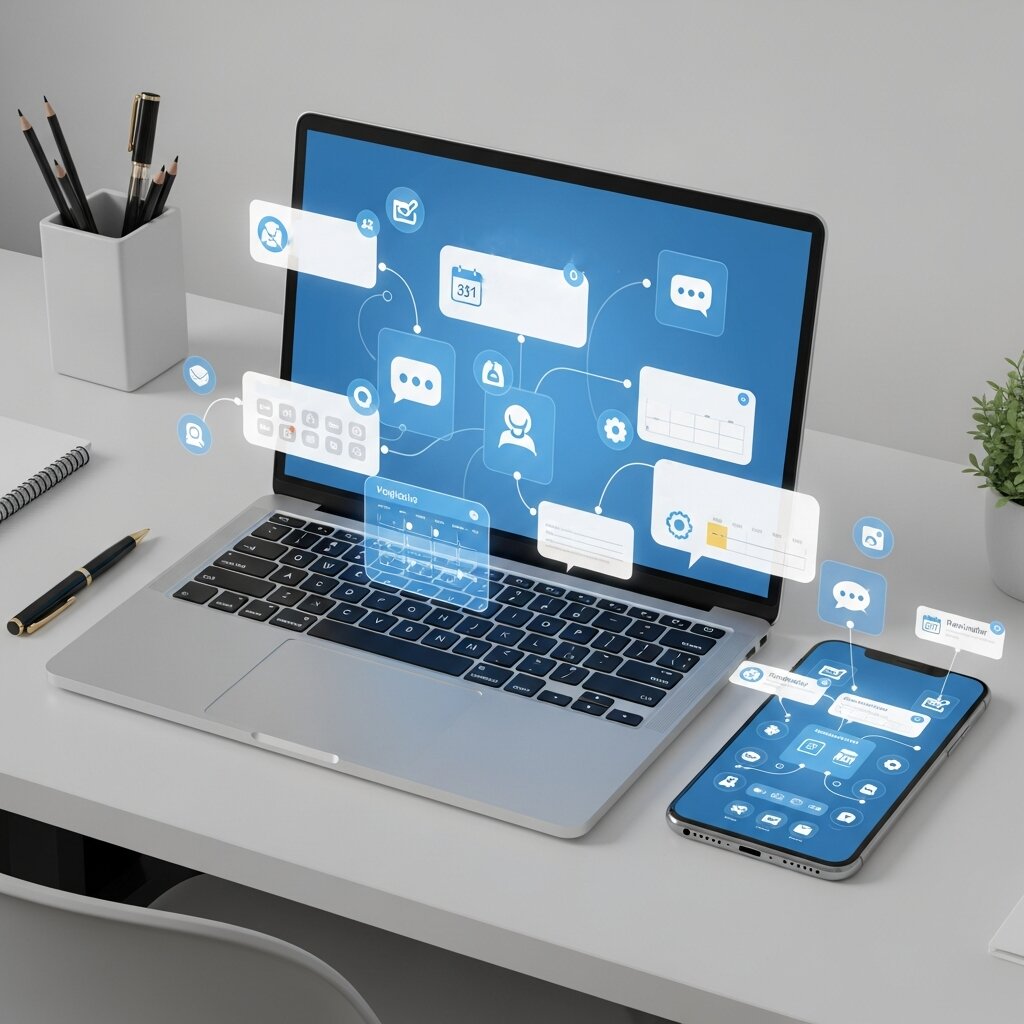
Emails remain the most powerful medium for driving webinar attendance. However, sending a one-size-fits-all sequence can undermine the impact of your personalized webinar campaigns. Instead, build dynamic journeys that respond to user actions, engagement levels, and preferences.
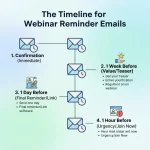
Start with a welcome email that confirms registration and provides key details. Then, set up triggers to adapt subsequent messages. If a registrant clicks on a resource link—such as “Download the agenda”—follow up with related materials like an executive summary or a relevant blog post. Conversely, if a recipient fails to open the first email within 24 hours, send a reminder with a fresh subject line and different preview text to re-engage their interest.
Behavior-based triggers help ensure that every communication feels timely and relevant, improving engagement rates significantly. These automated sequences are especially effective when paired with structured planning methods from master webinar email sequences guide.
Behavior-Based Triggers
- Open-based follow-ups: Change the content if the previous email was not opened.
- Click-based triggers: Offer deeper insights when a link is clicked.
- Engagement scoring: Allocate points for actions (opens, clicks, downloads) and adjust the journey when thresholds are reached.
- Countdown timers: Insert live countdown widgets that display time remaining until the event in the recipient’s timezone.
Additionally, integrate SMS or push notifications for registrants who prefer mobile reminders. Keep texts concise and focused—e.g., “Your webinar starts in 1 hour: ‘Boost Your Conversion Rates’ – join via this link.” Be mindful of local regulations and optimal sending times to respect privacy and avoid disruption.
Dynamic email content can also include personalized recommendations. For instance, if a registrant previously attended a session on data analytics, the reminder could read: “Since you enjoyed our analytics deep dive, you’ll love the advanced modeling techniques we’ll cover today.” This relevancy heightens perceived value and drives up attendance rates by as much as 20%.
Platform integrations are critical to execute these complex flows. Connect your webinar software with your CRM and email service provider to synchronize registrations, track opens, and automatically update contact records. Ensure your data remains clean by purging inactive contacts, honoring unsubscribe requests, and verifying email validity periodically.
Finally, analyze campaign performance by monitoring open rates, click-through rates, and attendance conversions. Identify bottlenecks—for example, a high open rate followed by low click rates suggests the content needs stronger CTAs. Use these insights to continuously refine and optimize your personalized webinar campaigns.
Customizing Live Webinar Delivery for Engagement
Personalization extends beyond pre-event communications; it should permeate the live webinar itself. When attendees feel that the presentation content speaks directly to their context and challenges, they remain engaged and are more likely to take follow-up actions.
Before the session begins, leverage registration data to craft tailored slide decks. For example, if you have attendees from multiple industries, create versions of key slides that showcase sector-specific case studies or metrics. Use live polls at the start—such as “Which challenge do you face most often?”—to segment the audience further in real time. Display poll results instantly to demonstrate responsiveness and foster inclusivity.
Interactive Breakout Sessions
If your platform supports breakout rooms, organize small-group discussions around distinct topics. Offer attendees the choice to join sessions that align with their priorities, whether they seek strategic insights or hands-on technical tips. Rotate moderators through rooms to gather feedback and ensure consistency across groups.
- Role-based rooms: Separate executives from practitioners for targeted conversations.
- Skill-level tracks: Offer beginner and advanced streams for varied expertise.
- Geographic cohorts: Host region-specific groups to discuss local trends.
Throughout the webinar, address participants by name when answering questions in the chat. Segment chat queries into thematic clusters—e.g., pricing, compliance, implementation—and tackle each with examples relevant to the audience’s segment. Acknowledging individual contributions builds rapport and keeps energy levels high.
For technical or product-focused webinars, display live demonstrations using audience-derived data. When possible, anonymize real customer metrics or scenarios to illustrate processes in a way that resonates. Slide annotations can adapt on the fly: presenters can switch between finance and healthcare examples seamlessly.
Gamification elements—such as quizzes or leaderboards—can further boost interaction. Offer points for participation and highlight top contributors on a shared leaderboard. Reward winners with branded swag or exclusive access to a private Q&A session. These tactics reinforce engagement and make your Personalize Webinar Campaigns memorable.
Conclude the live session with segment-specific calls to action. Invite attendees to book a one-on-one demo, download a specialized toolkit, or join an advanced training series based on their profile. Providing relevant next steps ensures that the momentum from your personalized event translates into concrete business opportunities.
Enhancing Post-Event Engagement and Content Repurposing
The conclusion of a webinar marks the start of another critical phase in your Personalize Webinar Campaigns journey: post-event follow-up and content repurposing. Properly segmented follow-up strategies convert attendees into customers and nurture non-attendees back into the funnel.
First, send a thank-you email within 24 hours. For live attendees, include a link to the full recording, slide deck, and any supplementary resources. Use conditional content blocks to show materials most relevant to each segment—a case study PDF for finance leaders, or code samples for developers. For those who registered but didn’t attend, emphasize the on-demand replay with a message like, “We missed your insights during the live discussion; catch the highlights here.”
To further refine your strategy, studying proven frameworks such as webinar marketing examples for next events can provide additional inspiration. Data-driven personalization is now essential for standing out in a crowded webinar space. With consistent optimization, your webinar program can become a strong driver of engagement, relationships, and long-term ROI.
Scoring and Segmented Nurture Paths
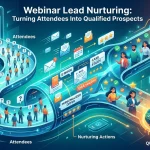
Integrate your webinar metrics with your CRM and assign engagement scores for activities such as watching the replay, downloading attachments, or clicking on linked articles. High-scoring contacts can be funneled into product demo sequences, while lower-tier leads receive educational content to build familiarity.
- Early-stage path: Send blog posts and introductory videos.
- Mid-stage path: Offer ROI calculators and detailed whitepapers.
- Late-stage path: Propose pricing guides and personalized consultations.
Retargeting ads can effectively extend your webinar reach by reinforcing key messages across social media and relevant websites. Using consistent banner creatives and industry-specific testimonials helps build credibility and encourages return visits.
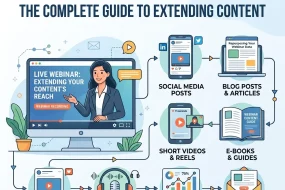
You can also repurpose your webinar into micro-content such as short videos, quotes, infographics, and blog snippets. Distribute these across email, social platforms, and your resource library to maximize engagement and visibility. According to guidance from the National Institutes of Health, repurposed content can significantly improve reach and resource use.
Finally, use simple post-event surveys with targeted questions about relevance and future interests. This feedback helps refine audience insights and improve future events. By continuously updating your strategy, your Personalize Webinar Campaigns become more accurate, engaging, and effective over time.
FAQ
What is a personalized webinar campaign?
A personalized webinar campaign tailors every aspect of the attendee experience—from invites and landing pages to live content and follow-up—based on individual profiles, behaviors, and preferences. This approach increases relevance, engagement, and ROI.
How can I gather detailed audience insights?
Use a combination of analytics tools (e.g., Google Analytics), CRM data, and targeted surveys with conditional logic. This blend of quantitative and qualitative inputs helps you build accurate buyer personas and identify key motivations.
Which platforms support dynamic content for invitations and pages?
Marketing automation platforms like HubSpot, Marketo, and Pardot offer dynamic content modules. Many email service providers and webinar platforms also integrate with CRMs to enable personalized headlines, images, and CTAs.
How do I measure the success of my personalized webinar campaign?
Track metrics such as registration rate, email open and click-through rates, live attendance, engagement actions (polls, Q&A), and post-webinar conversions. Use engagement scoring and CRM integration to assess downstream impact on pipeline and revenue.
Conclusion
Implementing a comprehensive personalization strategy—from audience analysis to post-event nurturing—helps webinars resonate more deeply and drive measurable results. By understanding participant motivations, creating customized invitations and landing pages, delivering dynamic communications, tailoring live presentations, and optimizing follow-ups, you can significantly strengthen your Personalize Webinar Campaigns approach.
Data-driven personalization is now essential for standing out in a crowded webinar space. Using these insights, you can improve attendance, boost engagement, and increase conversions. Start with small improvements, refine them based on performance, and gradually scale your efforts. With consistent optimization, your webinar program can become a strong driver of engagement, relationships, and long-term ROI.


Jordan Ellis, Webinar Marketing Specialist, has over 10 years of experience designing and executing high-performing webinar campaigns. With a background in digital marketing and audience engagement, Jordan focuses on strategies that increase registrations, boost participation, and drive conversions.

No Comments