


Webinar marketing offers a direct and personal way to connect with your audience, build authority, and drive business growth. This guide will show you how to start.
This complete Webinar Marketing Guide covers everything a beginner needs. You will learn what webinar marketing is, why it is so effective for lead generation, how to plan your content, promote your event, and measure success. We will provide actionable steps to launch your first successful webinar.
What Is Webinar Marketing? A Beginner’s Introduction
Webinar marketing is a powerful strategy that uses online seminars—or “webinars”—to engage with a target audience, generate high-quality leads, and build brand authority. Unlike static content like blog posts or ebooks, webinars create a live, interactive environment where you can have a real-time conversation with potential customers. This dynamic exchange is a cornerstone of modern Inbound Marketing.
At its core, a webinar is a presentation, workshop, or lecture hosted online, often using specialized webinar software. These events can be live or pre-recorded and typically last between 30 and 60 minutes. A standard webinar format includes:
- A Presentation: The main part of the event where the host shares valuable information on a specific topic.
- A Q&A Session: A dedicated time for attendees to ask questions and get direct answers from the expert.
- Interactive Elements: Polls, surveys, and chat features that keep the audience engaged.
- A Call-to-Action (CTA): A clear next step for attendees, such as downloading a resource, booking a demo, or making a purchase.
This Webinar Marketing Guide is designed to demystify the process. Webinar marketing is not just about giving a presentation; it’s a complete funnel. It involves promoting the event to attract registrants, nurturing those leads before the webinar, delivering a high-value experience during the event, and following up afterward to convert leads into customers. It’s a key part of any robust Brand Marketing Strategy because it humanizes your brand and positions you as a trusted expert.
Why This Webinar Marketing Guide Is Essential for Your Business
In a digital world saturated with content, webinars cut through the noise. They offer a unique combination of value, interaction, and personal connection that other marketing channels struggle to match. Understanding the benefits is the first step in this Webinar Marketing Guide.
1. Build Unshakeable Trust and Authority
Hosting a webinar instantly positions you as an expert. When you dedicate time to teaching your audience something valuable, you are demonstrating your knowledge and building credibility. The live Q&A session is particularly powerful; answering questions thoughtfully and directly shows that you are not just a faceless brand but a knowledgeable resource. This trust is the foundation of Building Brand Authority and is critical for long-term customer relationships.
2. Generate High-Quality, Pre-Qualified Leads
Anyone who registers for your webinar has already raised their hand and shown a genuine interest in your topic. They are willing to trade their time and contact information for the knowledge you are offering. These are not cold leads; they are warm prospects who are actively seeking a solution to a problem you can solve. This makes the leads generated from a well-executed Webinar Marketing Guide strategy some of the highest-quality leads you can get.
3. Achieve a Higher Return on Investment (ROI)
Webinars are incredibly scalable. You can present to ten people or a thousand people with roughly the same amount of effort. Compared to physical seminars or one-on-one sales calls, the cost per lead is significantly lower. Furthermore, webinars are a reusable asset. You can record your live presentation and use it as an on-demand webinar, a lead magnet, or break it down into smaller video clips for social media. This ability to repurpose content maximizes the ROI of your initial time investment.
4. Create Genuine Personal Connections
Video is a powerful medium. It allows your audience to see your face, hear your voice, and get a sense of your personality. This humanizes your brand and fosters a stronger emotional connection than text-based content alone. According to a study on Emotional Marketing, these connections are crucial for building Brand Loyalty. When attendees feel like they know you, they are more likely to trust you and do business with you. This personal touch is a key advantage explained in this Webinar Marketing Guide.
5. Shorten the Sales Cycle
Webinars allow you to engage with hundreds of prospects simultaneously, moving them through the sales funnel much faster. In a single hour, you can take a prospect from being aware of a problem to understanding how your product can solve it. A well-placed product demonstration or a special offer at the end of a webinar can convert attendees on the spot, dramatically shortening the typical Customer Journey Mapping process.
Types of Webinars: Choosing the Right Format for Your Goal
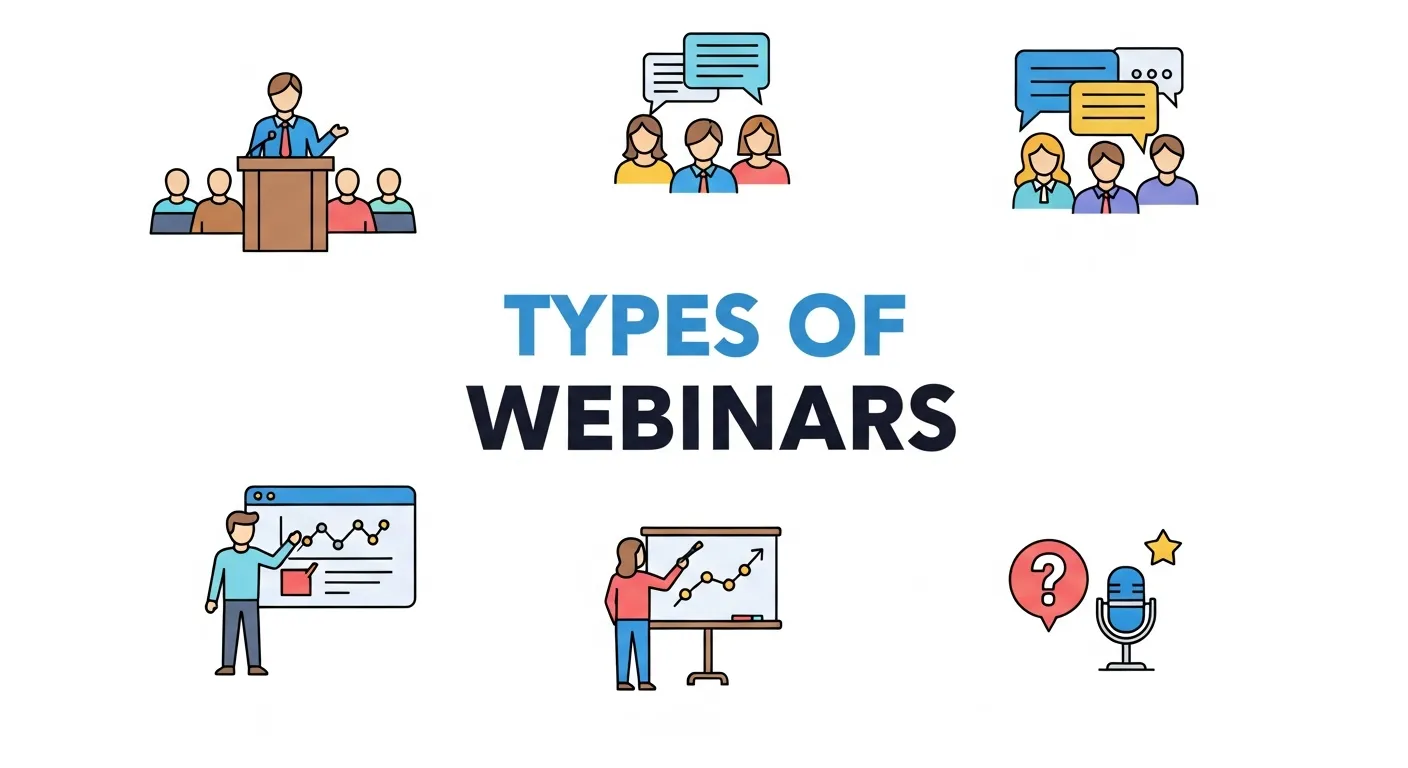
Not all webinars are created equal. The format you choose should align with your specific marketing goal. This section of our Webinar Marketing Guide breaks down the most common types.
1. The Educational Webinar (Top-of-Funnel)
This is the most common and effective type of webinar for lead generation. The primary goal is to teach the audience something valuable and solve a specific problem.
- Goal: Attract new leads, build Brand Awareness, and establish authority.
- Content: “How-to” guides, industry best practices, deep dives into Trending Webinar Topics, or explorations of common pain points.
- Example: A digital marketing agency hosts a webinar on “5 SEO Mistakes That Are Hurting Your Website Traffic.”
2. The Product Demonstration Webinar (Middle/Bottom-of-Funnel)
This format focuses on showcasing your product or service in action. It’s for leads who are already aware of their problem and are now evaluating solutions.
- Goal: Move qualified leads closer to a purchase decision.
- Content: A live walkthrough of your software, a demonstration of your product’s key features, and case studies of successful customers.
- Example: A SaaS company hosts a weekly “Live Demo of Our Project Management Tool.”
3. The Interview or “Fireside Chat” Webinar
In this format, you invite an industry expert, a thought leader, or a successful customer to have a conversation with you.
- Goal: Leverage your guest’s authority and tap into their audience. It’s a form of Co-Branding In Marketing.
- Content: A structured but conversational Q&A about a relevant topic.
- Example: A financial advisor interviews a well-known economist about the future of the market.
4. The Panel Discussion Webinar
This involves bringing together a group of experts to discuss a topic from multiple perspectives. Panels can create dynamic, engaging conversations.
- Goal: Provide diverse viewpoints and position your brand as a central convener in your industry.
- Content: A moderated discussion with 3-5 panelists on a broad, timely topic.
- Example: A cybersecurity firm hosts a panel with a white-hat hacker, a corporate lawyer, and a CIO to discuss “The State of Data Privacy in 2026.”
Matching Webinar Type to Marketing Goal
|
Webinar Type |
Primary Goal |
Funnel Stage |
Best For |
|---|---|---|---|
|
Educational |
Lead Generation & Authority |
Top |
Attracting a broad audience. |
|
Product Demo |
Nurturing & Conversion |
Middle/Bottom |
Showcasing your solution. |
|
Interview |
Reach & Credibility |
Top/Middle |
Leveraging a guest’s audience. |
|
Panel Discussion |
Thought Leadership |
Top/Middle |
Exploring complex topics. |
Choosing the right format is a crucial first step in any Webinar Marketing Guide.
Getting Started: A 7-Step Webinar Marketing Guide for Your First Campaign
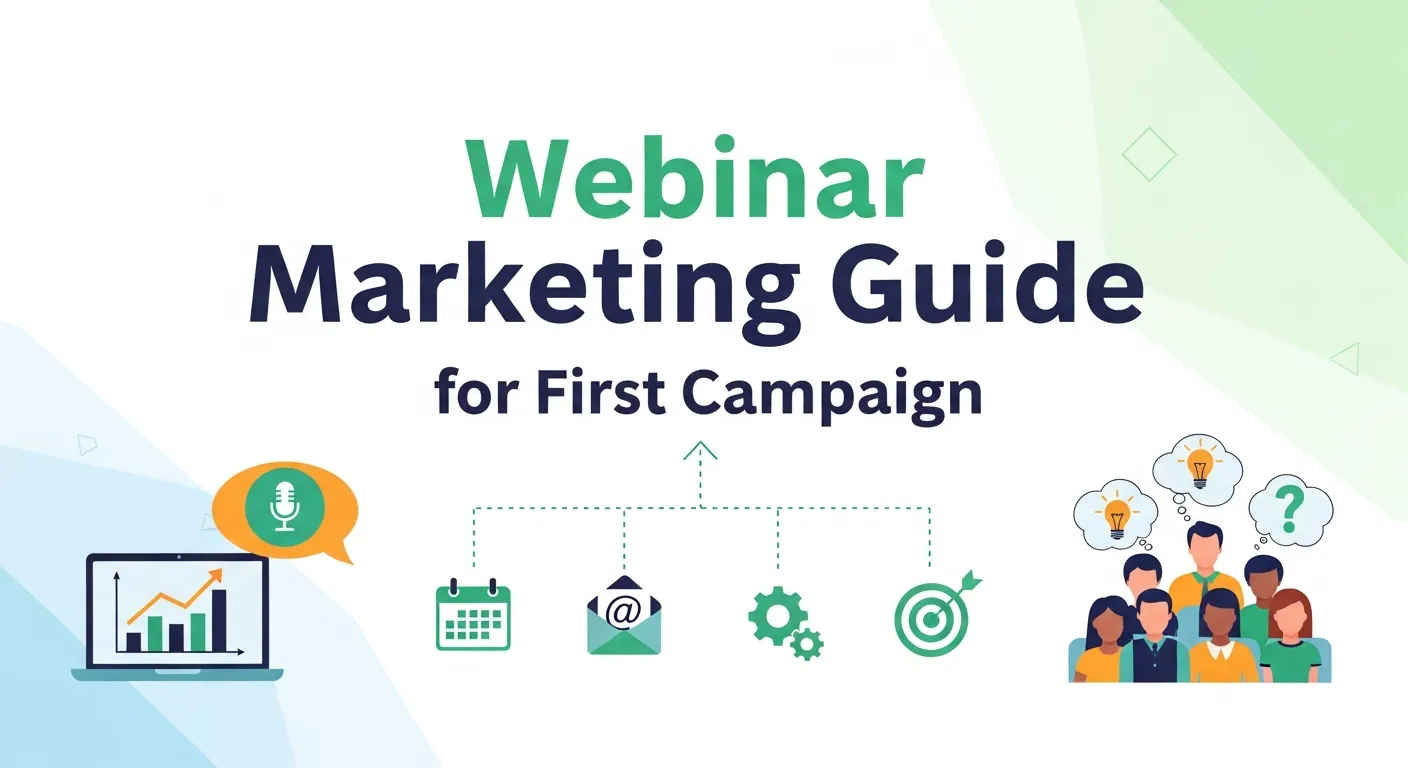
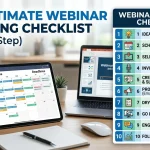
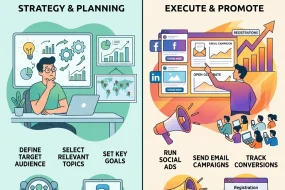
Planning and executing a webinar can feel overwhelming, but breaking it down into manageable steps makes the process straightforward. This is the core of our Webinar Marketing Guide.
Step 1: Choose the Right Webinar Platform
Your platform is the technical foundation of your webinar. You need a reliable tool with the features you need.
- Popular Options: Zoom Webinar, GoToWebinar, Livestorm, Demio, and WebinarJam.
- Key Features to Look For:
-
- Customizable Registration Pages: To capture lead information.
- Automated Email Reminders: To maximize attendance rates.
- Live Chat, Polls, and Q&A: For audience engagement.
- Screen Sharing: To share your presentation or demo.
- Recording Capabilities: To repurpose your content.
- Analytics and Reporting: To measure your success.
- Pro-Tip: Most platforms offer free trials. Test a few to see which interface you find most intuitive before committing.
Step 2: Pick a Compelling and Relevant Topic
The success of your webinar hinges on your topic. It must be something your target audience is genuinely interested in.
- How to Find Topic Ideas:
-
- Talk to Your Sales and Support Teams: What are the most common questions they get?
- Use SEO Keyword Research: Use tools like SEMrush or Ahrefs to find out what problems people are searching for solutions to.
- Survey Your Audience: Ask your email list or social media followers what they want to learn about.
- Analyze Your Blog Content: Which blog posts get the most traffic and engagement? Turn your most popular post into a webinar. For a deeper dive on this, check out this guide from Wikipedia.
Step 3: Plan and Create Your Webinar Content
A great webinar requires a great presentation. Don’t just “wing it.”
- Create a Detailed Outline:
-
- Engaging Introduction (5 mins): Hook the audience, introduce yourself, and state what they will learn.
- Main Content (30-40 mins): Break this into 3-5 main teaching points. For each point, use the “Tell-Show-Tell” method: tell them what you’re going to teach, show them how to do it (with examples), and then tell them what you just taught.
- Q&A Session (10-15 mins): Dedicate ample time for questions.
- Clear Call-to-Action (CTA) (5 mins): This is where you build your Webinar Sales Funnel. Tell the audience exactly what you want them to do next.
- Design Your Slides: Keep slides simple and visual. Use more images and less text. Each slide should support what you are saying, not be a script for you to read.
- Prepare Your CTA: Whether it’s a discount, a free trial, or a consultation, make your offer irresistible. Irresistible Webinar Offers are clear, valuable, and time-sensitive.
Step 4: Set Up Your Registration and Thank You Pages
The registration page is your webinar’s front door. It needs to be persuasive.
- Elements of a High-Converting Registration Page:
-
- A compelling, benefit-driven headline.
- Bullet points outlining what attendees will learn.
- Information about the host(s).
- The date and time of the webinar.
- A simple registration form (ask for name and email at a minimum).
- The Thank You Page: After someone registers, redirect them to a thank you page. Use this page to build excitement, encourage them to add the event to their calendar, and invite them to share it on social media.
Step 5: Promote Your Webinar
You can’t host a webinar if no one knows about it. A strong promotion strategy is a vital part of this Webinar Marketing Guide.
- Promotion Timeline: Start promoting at least two weeks before the live event.
- Key Promotion Channels:
-
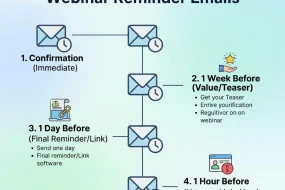
- Email Marketing: Your email list is your most valuable promotional asset. Send a series of emails announcing the webinar, reminding them to register, and a “last chance” email.
- Social Media: Share promotional graphics and videos across your social channels. Create a unique hashtag for your event.
- Your Website: Use pop-ups, hello bars, or a dedicated landing page to promote the webinar to your website visitors.
- Paid Ads: Consider running targeted ads on social media or search engines to reach a new audience.
- Partnerships: Co-Branding in Marketing by co-hosting with a partner to tap into their audience.
Step 6: Host an Engaging Live Event
The day of the webinar is showtime.
- Pre-Webinar Checklist:
-
- Test your technology 30 minutes before you go live. Check your internet, audio, and camera.
- Have a glass of water nearby.
- Close all unnecessary tabs and turn off notifications.
- During the Webinar:
- Start on time.
- Welcome attendees as they join.
- Speak with energy and enthusiasm. Your Brand Voice matters!
- Use polls and the chat box to interact with your audience throughout the presentation.
- Stick to your schedule.
Step 7: Follow Up and Nurture Your Leads
The work isn’t over when the webinar ends. The follow-up is where you convert leads.
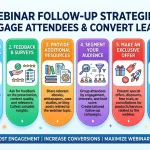
- Immediate Follow-Up (within 24 hours): Send an email to all registrants (both attendees and no-shows) with a link to the recording and your presentation slides.
- Segment Your Follow-Up:
-
- For Attendees: Send a follow-up sequence that reinforces your CTA and addresses common questions from the Q&A.
- For No-Shows: Send a sequence encouraging them to watch the recording and highlighting what they missed.
- Long-Term Nurturing: Add all registrants to a dedicated email nurturing campaign to continue providing value and move them closer to a sale. This is where Outbound Email Marketing becomes a key part of your Webinar Marketing Guide strategy.
Best Practices for Webinar Success: Tips from the Pros
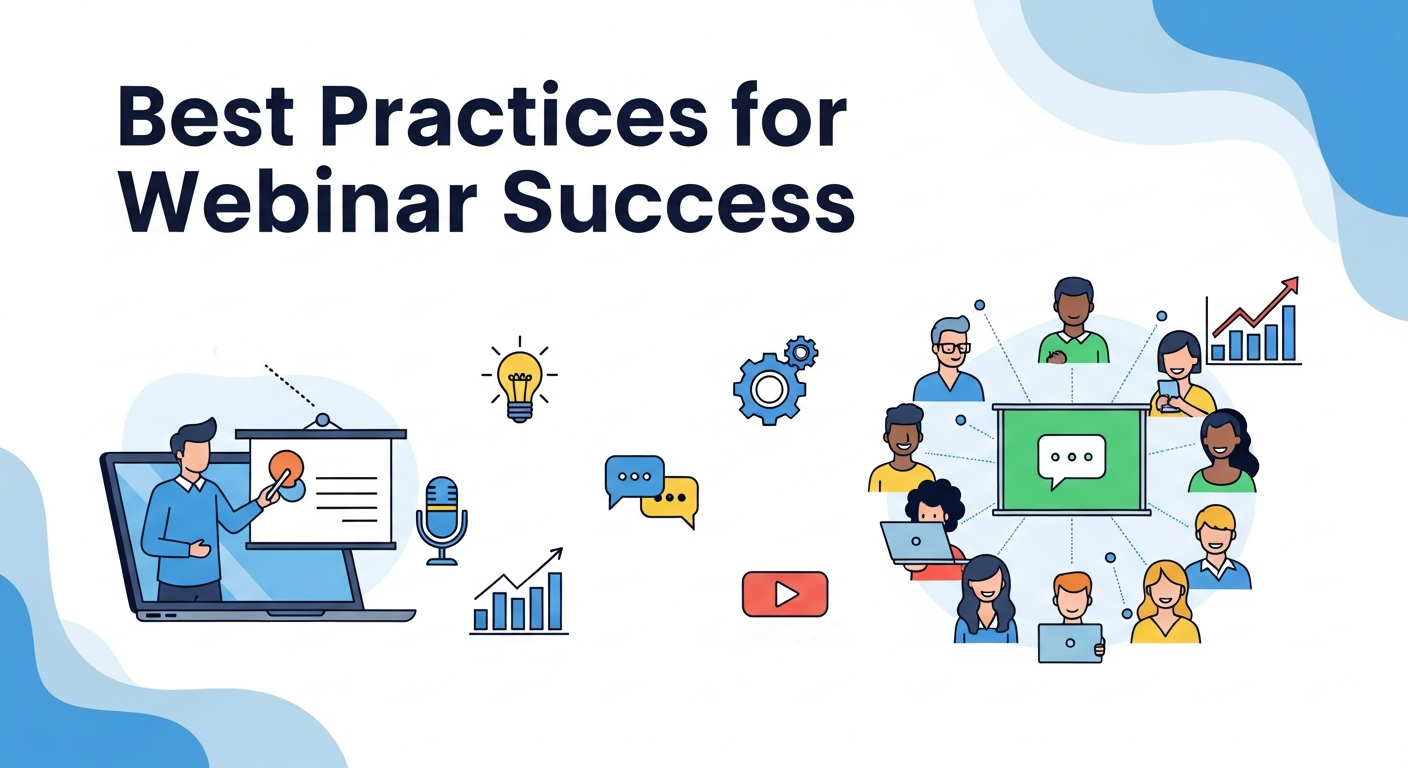
Following the steps in this Webinar Marketing Guide will get you started, but mastering the art of webinars requires attention to detail.
- Always Test Your Technology: Nothing kills a webinar faster than technical difficulties. Do a full dry run with a colleague a day or two before the event.
- Focus on Value, Not Sales: The “80/20 rule” is a good guideline. Spend 80% of your webinar educating and 20% on your pitch. If you provide immense value, the sales part will feel natural, not forced.
- Engage, Engage, Engage: A webinar is not a monologue. Acknowledge comments in the chat, run at least 2-3 polls, and make your Q&A a real conversation. The more engaged your audience is, the more they will remember and trust you.
- Have a Co-Host or Moderator: Having a second person to manage the chat, field questions, and handle any technical issues allows you to focus on delivering a great presentation.
- Invest in Good Audio: People will forgive a grainy camera, but they will not tolerate bad audio. Use a quality external microphone.
Measuring Success: The KPIs That Matter for Your Webinar Marketing Guide
To improve your webinar strategy, you need to track your performance. Use the analytics from your webinar platform and tools like Google Analytics to measure these key metrics.
- Registration Rate: The percentage of people who visited your registration page and signed up. This tells you how compelling your topic and copy are.
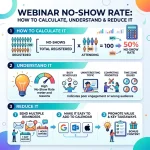
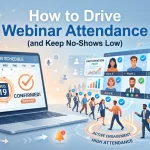
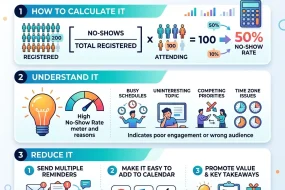
- Attendance Rate: The percentage of registrants who actually attended the live event. A typical attendance rate is 30-40%. If yours is lower, you may need to improve your email reminder sequence.
- Audience Engagement: Track how many people participated in polls, asked questions, and stayed for the entire webinar. This indicates the quality of your content and presentation style.
- Conversion Rate: The percentage of attendees who took your desired call-to-action. This is the ultimate measure of your webinar’s effectiveness in driving business results.
- ROI: Calculate the revenue generated from the webinar against the cost of the platform, advertising, and your time.
Conclusion
This Webinar Marketing Guide shows that webinars offer a unique and powerful way to connect with your audience, build trust, and drive meaningful business results. By focusing on providing genuine value and creating an interactive experience, you can turn a simple online presentation into your most effective lead generation tool. Your first webinar doesn’t need to be perfect; the most important step is to begin. Use this guide to launch your journey and start building stronger customer relationships today.
Frequently Asked Questions (FAQ)
1. What is the ideal length for a webinar?
The ideal length for a webinar is typically 45-60 minutes. This provides enough time to deliver substantial value (30-40 minutes of content) and have a dedicated Q&A session (10-15 minutes) without losing your audience’s attention.
2. What is a good attendance rate for a webinar?
A good industry average attendance rate for a live webinar is between 30% and 40% of registrants. If you are achieving this or higher, your promotional and reminder campaigns are effective.
3. Should I offer my webinar live or on-demand?
Both have their advantages. A live webinar creates urgency and allows for real-time interaction. An on-demand (pre-recorded) webinar is more scalable and convenient for the audience. A common strategy detailed in many Webinar Marketing Guide documents is to host it live first, then offer the recording on-demand as a lead magnet.
4. How far in advance should I promote my webinar?
Start promoting your webinar at least two weeks before the live event. This gives you enough time to build momentum through email, social media, and other channels. The majority of registrations typically happen in the week leading up to the webinar, and a significant portion in the final 24 hours.
5. What equipment do I need to host a webinar?
At a minimum, you need a reliable computer, a strong internet connection, webinar software, and a good quality USB microphone. While a built-in webcam can work, an external HD webcam will improve the visual quality.
6. How can I keep my audience engaged during a webinar?
To keep your audience engaged, use interactive elements. Run polls every 10-15 minutes, encourage questions in the chat box throughout the presentation, call out attendees by name, and vary the tone of your voice to sound energetic and passionate.
7. What if no one asks questions during the Q&A?
This is a common fear. A great tip from this Webinar Marketing Guide is to have a few “seed questions” prepared in advance. You can start the Q&A by saying, “A question we often get is…” This breaks the ice and encourages others to ask their own questions.
8. How do I turn webinar attendees into customers?
The key is a strong call-to-action (CTA) and a diligent follow-up process. Make a special, time-sensitive offer at the end of your webinar. Then, use a segmented email follow-up sequence to nurture leads, provide additional value, and reinforce the benefits of your offer.
9. What are some of the best webinar platforms for beginners?
For beginners, platforms like Zoom Webinar and Demio are often recommended for their user-friendly interfaces. GoToWebinar is a more robust, enterprise-level option. It’s best to use the free trials to see which platform best fits your technical comfort level and feature needs.
10. Can I use a webinar for internal training?
Yes, webinars are an excellent tool for internal training, team meetings, and company-wide announcements, especially for remote or distributed teams. The same principles of engagement and clear content apply. This is a common part of a Brand Strategy Consulting Guide for internal communications.


Josh Lemon, Content Strategy Consultant, has extensive experience in creating compelling webinar content that resonates with audiences. Skilled in storytelling, SEO, and audience insights, Riley helps brands deliver webinars that educate, engage, and convert effectively.


No Comments